 Small batches, high standards. Our rapid prototyping service makes validation faster and easier —
  EN
EN


CNC Machine Accessories That Transform Hobby Cuts Into Precision Masterpieces
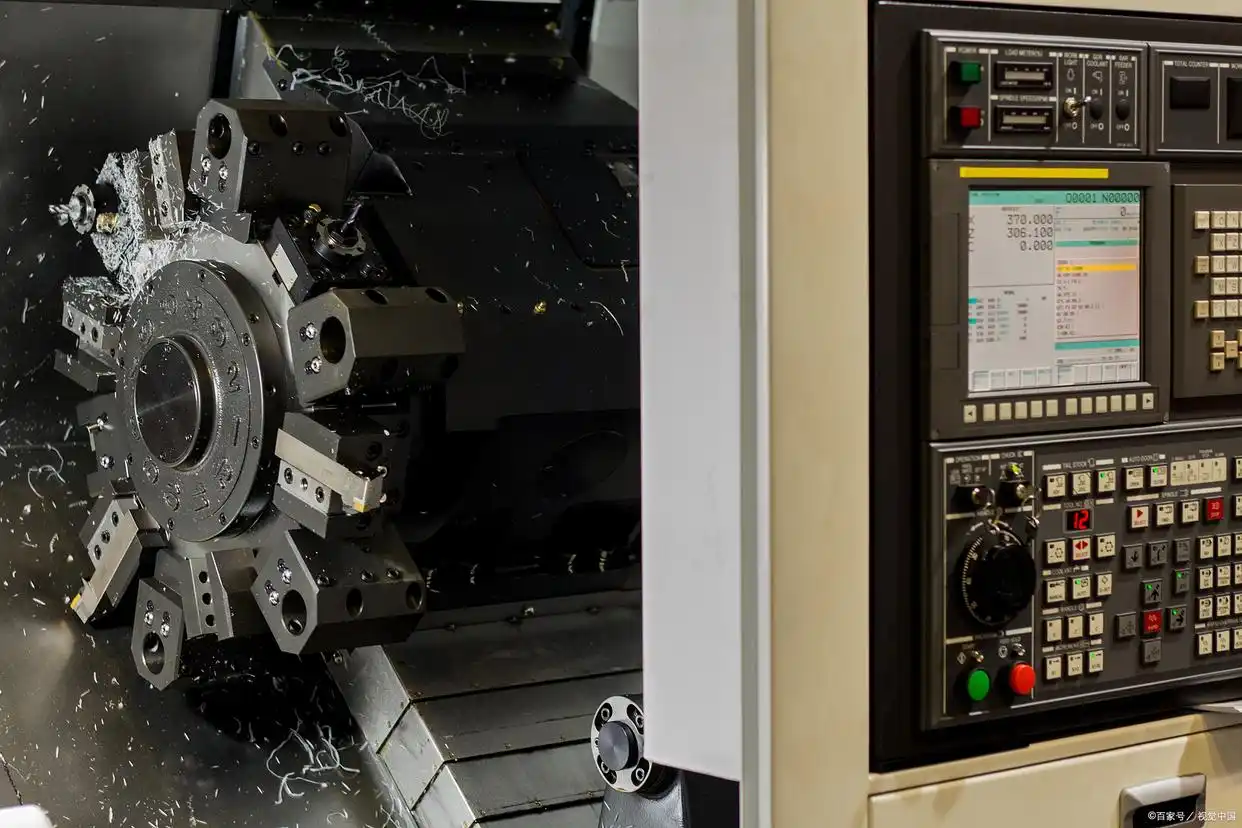
Understanding CNC Machine Accessories and Their Purpose
Ever wondered what separates a basic CNC cut from a precision masterpiece? The answer often lies not in the machine itself, but in the carefully selected accessories surrounding it. CNC machine accessories are the supplementary components, tools, and equipment that extend your machine's capabilities far beyond its factory functions. Think of them as the supporting cast that transforms a capable machine into a truly versatile manufacturing powerhouse.
While product catalogs overflow with options, many operators struggle to understand which accessories actually matter for their specific needs. This gap between available products and practical understanding can lead to wasted investments or, worse, missed opportunities for better results. Let's bridge that gap together.
What Qualifies as a CNC Accessory
A CNC accessory is any component that works alongside your machine to improve its performance, expand its capabilities, or enhance operator safety. According to industry experts, these aren't merely add-ons but indispensable tools that elevate the entire machining process to new heights. Machine tool accessories range from simple clamps to sophisticated measurement systems, each serving a specific purpose in your workflow.
Here are the main accessory categories you'll encounter:
- Workholding: Clamps, vises, fixtures, and vacuum tables that secure your material during cutting operations
- Tooling: Router bits, end mills, collets, and tool holders that perform the actual cutting work
- Measurement: Probes, touch plates, and dial indicators that ensure dimensional accuracy
- Safety: Guards, emergency stops, and protective equipment that keep operators safe
- Dust Collection: Vacuums, dust boots, and filtration systems that maintain a clean work environment
The Difference Between Parts and Accessories
You might be asking yourself: what separates a machine part from an accessory? The distinction matters more than you'd think. Machine parts are integral components required for basic operation, like the spindle, motors, or control system. Without them, your CNC simply won't function. Milling machine accessories, on the other hand, enhance or extend what your machine can do.
Consider this practical example: your spindle is a part, but the collet that holds your cutting tool is an accessory. The collet is a simple clamping system that uses a split tube with a tapered nose, forming a close fit with the straight tool shank. You could technically operate without the optimal collet size, but your precision and tool security would suffer dramatically.
Essential accessories are those required for meaningful operation, like basic workholding and appropriate cutting tools. Enhancement accessories are optional upgrades that improve performance, such as automatic tool changers or advanced probing systems. Understanding this distinction helps you prioritize purchases based on immediate necessity versus future capability.
Why Accessories Matter for Machine Performance
Here's what experienced operators know: the right CNC accessories can mean the difference between adequate results and exceptional precision. Production performance enhanced by accessories translates directly to superior machining precision and impeccable quality, according to Methods Machine Tools. Tighter tolerances and finer finishes become achievable in fewer setups, lowering production costs significantly.
Imagine you're cutting a detailed sign from thin plywood. Without proper workholding accessories like vacuum clamping devices or suction pods, your material might shift mid-cut, ruining hours of work. These convenient devices allow quick release of parts and precise repositioning, especially valuable when producing multiple identical pieces.
The benefits extend beyond precision. Improved performance also means less waste, as accessories that reduce scrap rates and enhance material utilization cut operational costs while boosting profitability. Time savings add up too. Reduced cycle times, quicker setups, and faster machining processes streamline production, helping you meet tighter deadlines and maximize your equipment's uptime.
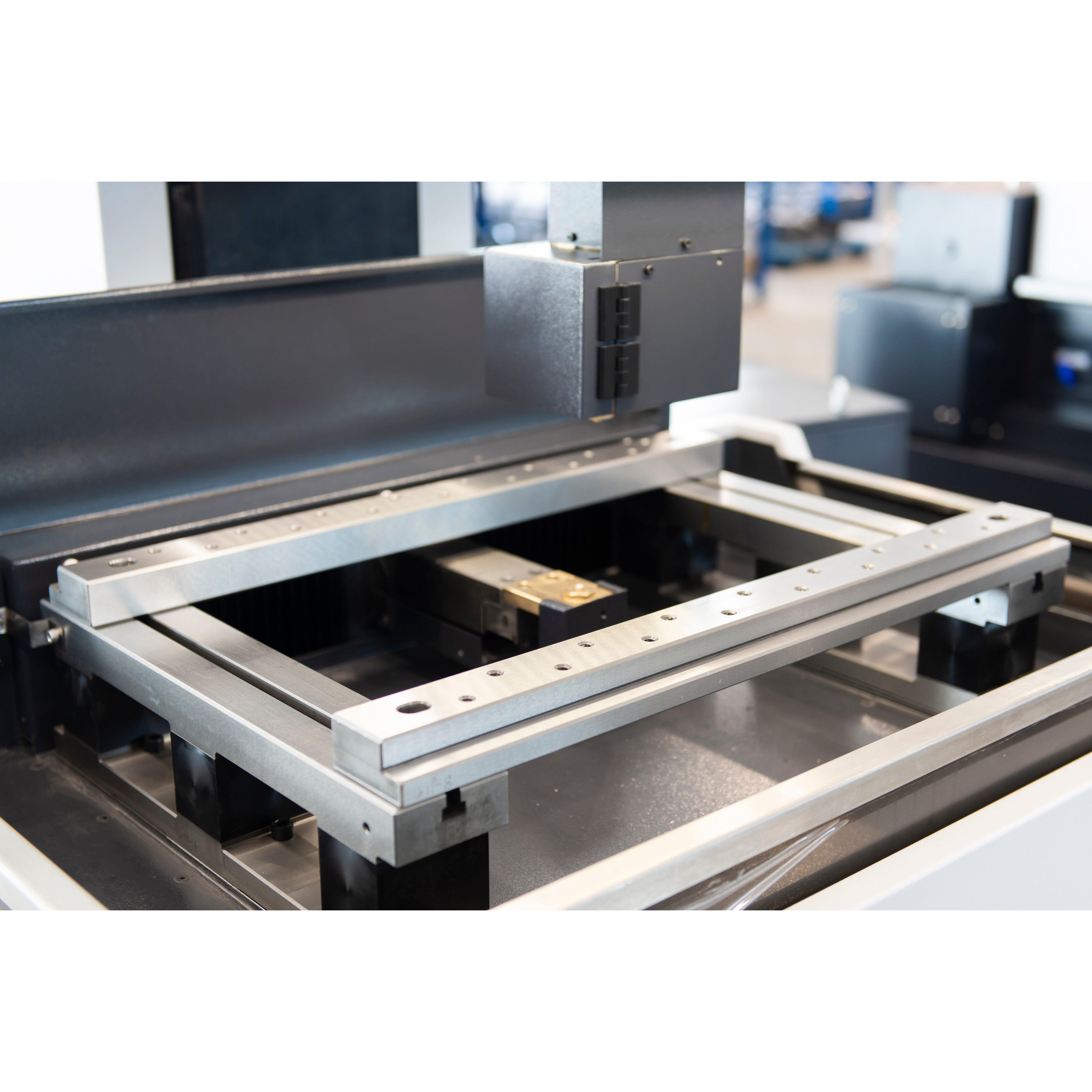
Essential Accessory Categories Every CNC Operator Should Know
Now that you understand what qualifies as an accessory and why these components matter, let's dive into the specific categories you'll encounter. Rather than organizing by product name or brand, we'll explore CNC router accessories by their function. This approach helps you identify exactly what you need based on the problems you're trying to solve.
Understanding each category's purpose gives you a framework for building your accessory collection strategically. Whether you're cutting wood, plastic, or aluminum, these functional categories remain consistent across different parts of CNC router setups.
| Category | Primary Function | Common Examples | Skill Level Required |
|---|---|---|---|
| Workholding | Secure material during cutting operations | Milling vises, step clamps, vacuum tables, toe clamps, fixture plates | Beginner to Intermediate |
| Cutting Tools | Remove material to create desired shapes | Router bits, end mills, V-bits, collets, tool holders | Beginner to Advanced |
| Measurement & Calibration | Ensure dimensional accuracy and machine alignment | Touch probes, dial indicators, height gauges, gauge blocks | Intermediate to Advanced |
| Dust Collection & Safety | Maintain clean environment and protect operators | Dust boots, shop vacuums, safety glasses, hearing protection | Beginner |
| Machine Enhancement | Upgrade performance beyond factory specifications | Spindle upgrades, cooling systems, lubrication units | Advanced |
Workholding Solutions for Secure Material Positioning
Sounds obvious, right? Your material needs to stay put while being cut. Yet workholding is where many beginners underestimate the complexity involved. According to CNC Cookbook, workholding refers to any apparatus employed to securely grip your workpiece during machining operations. The right solution depends on your material size, shape, and the forces your cutting operations will generate.
The milling vise remains the most popular workholding solution for good reason. It's simple, robust, and works for a wide range of part sizes. However, vises have a sweet spot. They struggle with very large plate work and can be less than optimal for very small parts where space between adjacent vises limits how many pieces you can machine at once.
When vises fall short, clamps step in. Step clamps are the most common type, featuring little steps machined onto them for height adjustment. They work with T-slots or can be bolted into tooling plates. For full access to the top of your workpiece, toe clamps grip from the side instead of pressing down from above.
Vacuum tables offer a different approach entirely. Air pressure at sea level exerts 14.7 pounds per square inch. A vacuum fixture pumps air from beneath your part, allowing atmospheric pressure to hold it down uniformly across its entire surface. This works brilliantly for thin materials and irregular shapes that traditional clamps can't grip effectively. Just remember that smaller parts with less surface area generate less holding force, so cutting parameters may need adjustment.
For production environments, fixture plates with precision dowel pin grids allow you to position workholding devices repeatably to within half a thousandth of an inch. Imagine dropping a vise onto your table and knowing it's perfectly positioned every single time. The time savings during setup quickly pays for the initial investment in these CNC machine supplies.
Cutting Tools and Tooling Systems Explained
Your cutting tools are where the actual magic happens. CNC router parts in this category include everything that contacts your material to remove chips and create shapes. The variety can feel overwhelming at first, but each tool type serves specific purposes.
Router bits and end mills form the core of most tooling collections. Router bits typically feature larger cutting diameters and are designed for wood, plastic, and softer materials. End mills handle metals and harder materials, with geometries optimized for different operations like slotting, profiling, or finishing.
V-bits create angled cuts for lettering, decorative edges, and engraving work. Ball nose end mills produce curved surfaces and 3D contours. Straight flute bits excel at plunging cuts, while spiral flutes evacuate chips more efficiently during side milling operations.
The collet system connects your cutting tools to the spindle. As mentioned earlier, collets use a split tube design with a tapered nose to grip the tool shank securely. Matching your collet size precisely to your tool shank diameter ensures concentricity, which directly affects surface finish quality and tool life. Using an undersized collet risks tool slippage, while an oversized collet prevents proper clamping force.
Tool holders add another layer to the system on machines with automatic tool changers. These standardized holders allow quick tool swaps while maintaining consistent positioning. Even on manual machines, quality tool holders improve rigidity and reduce vibration during aggressive cuts.
Measurement and Calibration Accessories
Precision without measurement is just guessing. This category of CNC router accessories ensures your machine produces parts within specified tolerances and helps diagnose problems when accuracy drifts.
Touch probes have become essential for serious CNC work. As Penn Tool Co. explains, these accessories help locate parts, set offsets, and automate measuring. They cut setup time dramatically and increase repeatability across multiple parts. A probe can automatically find your workpiece corner, measure tool length, or verify dimensions mid-cycle.
Dial indicators provide visual feedback on tiny deviations during setup and inspection. When checking spindle runout, part alignment, or surface flatness, these instruments reveal problems invisible to the naked eye. Paired with a magnetic base, they become indispensable for machine setup and troubleshooting.
Height gauges measure part heights, hole positions, and reference lines with vertical precision that handheld tools can't match. They bridge the gap between layout tools and inspection equipment, valuable for both planning cuts and verifying results.
Gauge blocks, sometimes called Jo blocks, serve as the ultimate reference standard. These precisely ground blocks calibrate other instruments and verify machine accuracy. When you need absolute confidence in your measurements, gauge blocks provide the foundation everything else references.
Beyond individual tools, the practice of regular calibration keeps your entire measurement system honest. Micrometers that deliver readings down to the thousandth of an inch mean nothing if they've drifted from specification. Investing in quality measurement accessories only pays off when you maintain them properly.
With these functional categories clearly defined, you're ready to consider how specific accessories match different machine types and their unique requirements.
Matching Accessories to Your Specific CNC Machine Type
Here's a scenario that plays out far too often: you find the perfect accessory online, order it excitedly, and discover it simply won't work with your machine. Compatibility isn't just a minor consideration when selecting CNC machine accessories. It's the foundation that determines whether your investment enhances your capabilities or becomes an expensive paperweight.
Different machine architectures demand different accessory configurations. A fox alien cnc router operates fundamentally differently than a vertical milling machine or a lathe. Understanding these distinctions before you shop saves frustration, money, and time. Let's break down what you need to know.
Router vs Mill vs Lathe Accessory Requirements
Think of CNC routers, mills, and lathes as cousins rather than siblings. They share DNA but have evolved for different purposes, and their accessory needs reflect those differences.
CNC routers typically handle lighter cutting forces and excel at processing wood, plastics, and softer metals like aluminum. Their workholding accessories lean toward vacuum tables, clamps designed for sheet goods, and fixtures that accommodate larger flat workpieces. The foxalien masuter pro, for instance, works best with accessories scaled to its desktop footprint and spindle capabilities.
Milling machines generate substantially higher cutting forces and process harder materials including steel and titanium. Their workholding must withstand these forces, which means heavy-duty vises, robust fixture plates, and clamps rated for serious loads. Tooling systems on mills often use standardized interfaces like CAT, BT, or HSK tool holders that differ entirely from router collet systems.
Lathes introduce rotational workholding into the equation. Chucks, collets, and faceplates secure rotating workpieces while cutting tools remain stationary or move along programmed paths. Lathe accessories include steady rests for long parts, live centers for tailstock support, and specialized tooling posts. These components share almost no overlap with router or mill accessories.
Before purchasing any accessory, confirm it's designed for your machine category. A beautiful milling vise won't mount properly on most hobby routers, and router dust collection systems typically can't handle metal chip evacuation from mills.
Understanding Spindle and Mounting Compatibility
Your spindle is the heart of your CNC system, and accessories must speak its language. Two critical specifications demand your attention: spindle taper and collet system.
Spindle tapers on professional mills follow standards like R8, CAT40, or BT30. Each taper requires matching tool holders. You cannot force a CAT40 holder into an R8 spindle regardless of how perfectly the cutting tool suits your application. Smaller machines like the shark cnc series and FoxAlien models typically use ER-style collet systems instead of traditional tapers. ER11, ER16, and ER20 designations indicate the maximum tool shank diameter each system accommodates.
Mounting compatibility extends beyond spindles to your machine's table or bed. T-slot dimensions vary between manufacturers. A fixture plate designed for 5/8-inch T-slots won't secure properly in a machine with metric or differently spaced slots. Similarly, vacuum table mounting, enclosure attachments, and dust collection brackets all require specific mounting interfaces.
Electrical requirements add another compatibility layer. Spindle upgrades, automatic tool changers, and probing systems need compatible voltage, control signals, and software support. A 220V spindle won't run on 110V power without additional hardware. A touch probe requires controller support for probing routines. These details matter enormously.
Brand Ecosystem Benefits and Limitations
Manufacturers like FoxAlien and NextWave Shark have developed accessory ecosystems specifically for their machines. Fox alien accessories are designed to integrate seamlessly with their router lines, from dust boots that fit precisely around their spindles to wasteboard systems matching their table dimensions.
The shark cnc machine lineup follows a similar philosophy. NextWave offers accessories engineered for specific models, ensuring proper fit without modification. This ecosystem approach simplifies purchasing decisions. When you buy within your brand's family, compatibility concerns largely disappear.
However, brand ecosystems have limitations. Selection may be narrower than third-party options. Pricing sometimes runs higher than generic alternatives. And if your manufacturer discontinues a product line, accessory availability may become problematic over time.
Mixing accessories from different manufacturers isn't impossible but requires careful research. Universal accessories exist for common functions like basic workholding and standard cutting tools. The key is verifying specifications match before purchasing. Third-party accessories often list compatible machines explicitly, making cross-brand purchasing safer when done thoughtfully.
Before adding any accessory to your cart, run through these compatibility checkpoints:
- Machine type confirmation: Is this accessory designed for routers, mills, or lathes specifically?
- Spindle interface: Does your spindle taper or collet system match the accessory requirements?
- Mounting dimensions: Will the accessory physically fit your table, T-slots, or mounting points?
- Electrical compatibility: Does your power supply and controller support this accessory's requirements?
- Software support: For electronic accessories, does your CAM software or controller firmware support the required functions?
- Work envelope: Will the accessory reduce your usable cutting area below acceptable limits?
- Weight considerations: Can your machine's structure handle any additional weight without affecting rigidity or accuracy?
Taking these compatibility factors seriously prevents costly mistakes and positions you to make accessory purchases with confidence. With compatibility fundamentals covered, the next step is understanding how to prioritize which accessories to buy first based on your experience level and immediate needs.
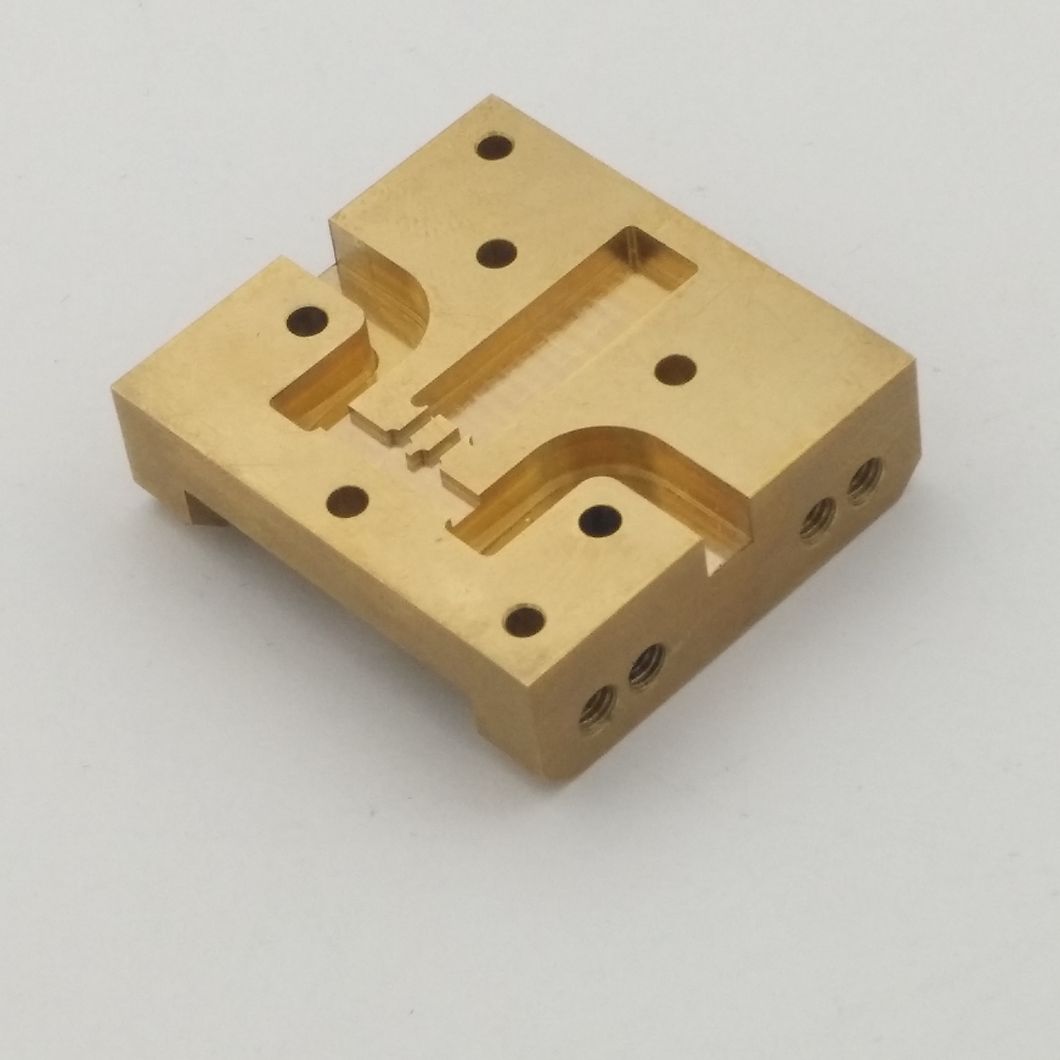
Prioritizing Accessory Purchases for New CNC Owners
You've unboxed your new CNC machine, assembled it carefully, and run a few test cuts. Now comes the question every new owner faces: what accessories should you buy first? With dozens of options available and limited budget to work with, making smart choices early prevents buyer's remorse and gets you producing quality work faster.
The temptation to buy everything at once is real. Resist it. A strategic approach to building your CNC supplies collection pays dividends in both capability and cost efficiency. Let's walk through exactly how to prioritize your purchases based on where you are in your CNC journey.
Your First Accessory Purchases as a Beginner
When you're just starting out, focus on accessories that enable safe, reliable operation with common materials. Think of this as your essential starter kit, covering the fundamentals that every project requires regardless of complexity.
According to Next Wave CNC, investing in quality accessories can significantly enhance your hobby CNC experience. Their recommendations align with what experienced operators consistently identify as true necessities versus nice-to-haves.
- Safety glasses: Wood and metal shavings fly unpredictably during cutting operations. High-quality safety glasses shield your eyes from potential harm, allowing you to work comfortably for extended periods without worrying about debris. Keep them in a hard-shell case when not in use to prevent scratches or damage.
- Dust collector or shop vacuum: A dust-free environment contributes to your well-being and extends machine life by preventing accumulation on critical components. Even a basic shop vacuum with a dust boot attachment dramatically improves your workspace conditions.
- Basic workholding kit: Start with a set of step clamps or hold-down clamps compatible with your machine's T-slots. These versatile parts for CNC machine setups secure most materials you'll encounter as a beginner without requiring specialized fixtures.
- Starter bit set: A quality set of router bits covering common operations like straight cutting, V-carving, and profile finishing handles the majority of beginner projects. Seasoned CNC professionals recommend having spare drill bits available since these accessories wear out or break during regular use.
- Touch plate or Z-probe: Accurate tool height setting prevents crashes and ensures consistent depth cuts. A simple touch plate paired with your machine's probing routine eliminates guesswork from every setup.
Notice what's not on this list: laser modules, automatic tool changers, or advanced probing systems. Those accessories enhance capability but aren't essential for learning fundamentals and completing your first successful projects.
Hobbyist vs Professional Accessory Priorities
Your purchasing priorities shift dramatically based on whether CNC work is a creative outlet or income source. Understanding these differences helps you invest appropriately for your situation.
Hobbyist operators typically prioritize versatility and value. You're likely working on varied projects with different materials and designs. A hobbyist CNC hardware collection emphasizes:
- Multi-purpose tooling that handles wood, plastic, and soft metals
- Flexible workholding solutions adaptable to different part sizes
- Budget-conscious options that deliver acceptable quality without premium pricing
- Accessories that support learning and experimentation
Professional operators focus on precision, repeatability, and production efficiency. When your reputation and income depend on consistent results, accessory choices reflect that reality:
- Precision-ground fixtures that eliminate setup variation
- Production-grade tooling designed for extended tool life and consistent finish quality
- Measurement accessories that verify tolerances before parts ship
- Automation accessories that reduce cycle times and operator intervention
A solid-state laser module illustrates this distinction perfectly. For hobbyists, it opens creative possibilities for engraving and mixed-media projects. Next Wave CNC notes that lasers provide cleaner, more precise cutting experiences on materials like wood, acrylic, and leather. Professionals might view the same accessory as unnecessary if their production work doesn't require laser capabilities.
Building Your Accessory Collection Over Time
Smart accessory acquisition follows a logical progression. Rather than random purchases, build systematically from essentials through intermediate enhancements to advanced specialized equipment.
Beginner phase (months 1-6): Focus exclusively on the five essentials listed above. Master basic operations before adding complexity. Learn what your current accessories can and cannot do. Let actual project needs rather than theoretical possibilities guide your next purchases.
Intermediate phase (months 6-18): Now you understand your machine's behavior and your typical project requirements. Consider these CNC in kit additions:
- Expanded bit collection targeting specific materials you work with frequently
- Upgraded workholding like a quality vise or vacuum table for thin stock
- A routing table for additional work surface and precision clamping
- Better dust collection with dedicated boots and improved filtration
Advanced phase (18+ months): With solid fundamentals established, specialized accessories make sense. These might include:
- Spindle upgrades for increased power or speed range
- Touch probing systems for automated workpiece location
- Coolant or mist systems for metal cutting applications
- Fourth axis rotary attachments for cylindrical work
This progression prevents two common mistakes: buying advanced accessories before you have the skills to utilize them, or neglecting essential accessories while chasing exciting upgrades. Each phase builds naturally on the previous one, ensuring your investment matches your actual capability.
With your purchasing priorities established, understanding how popular CNC platforms structure their accessory ecosystems helps you identify which options are designed specifically for your machine versus universal alternatives that may or may not fit your setup.
Popular CNC Platforms and Their Accessory Ecosystems
Ever notice how some phone chargers only work with specific brands? CNC machines operate similarly. Each platform develops its own accessory ecosystem, with some components designed exclusively for particular models while others work universally across brands. Understanding these ecosystems helps you make informed purchasing decisions and avoid compatibility headaches.
Let's explore the major players in the hobby and prosumer CNC market and examine how their accessory offerings differ. Whether you own a cnc shark, a FoxAlien router, or another popular platform, knowing your ecosystem's strengths and limitations proves invaluable when expanding your capabilities.
Shark CNC Series Accessory Compatibility
NextWave Automation's Shark CNC lineup has earned a loyal following among hobbyists and small shop owners. The shark cnc machine series spans multiple capability levels, with the cnc shark hd4 and shark hd520 representing popular mid-range and advanced options respectively.
The HD4 serves as an excellent entry point into the Shark ecosystem. This machine accepts accessories designed specifically for its frame dimensions and spindle configuration. Common compatible accessories include dedicated dust boots shaped to fit the HD4's spindle housing, wasteboard systems matching its table dimensions, and hold-down clamps designed for its T-slot spacing.
Stepping up to the shark hd520 opens additional accessory possibilities. This larger machine accommodates more substantial workholding solutions and benefits from accessories that leverage its expanded work envelope. The HD520's increased rigidity also supports heavier-duty tooling options that might overwhelm smaller machines.
NextWave structures their accessory offerings around guaranteed compatibility. When you purchase an accessory labeled for the Shark series, you can trust it will mount correctly and function as intended. This peace of mind comes at a cost, however. Shark-specific accessories often carry premium pricing compared to generic alternatives, and selection may be limited for specialized applications.
The Shark ecosystem particularly excels in beginner-friendly accessories. Touch plates, starter bit sets, and protective equipment designed specifically for these machines remove guesswork from the equation. For operators who value simplicity over maximum flexibility, staying within the Shark family simplifies every purchasing decision.
FoxAlien Machine-Specific Accessories
FoxAlien has carved out significant market share in the desktop CNC space, with the foxalien xe pro and Masuter Pro leading their lineup. These machines target hobbyists and makers who want capable routers without industrial-scale investment.
The Masuter Pro positions itself as an all-in-one solution with laser engraving capabilities alongside traditional CNC routing. This dual-purpose design influences accessory requirements. Laser-specific accessories like protective enclosures, air assist systems, and specialized workholding for engraving operations complement the standard CNC accessory needs.
FoxAlien's XE Pro targets users prioritizing precision and build quality. This machine's more rigid construction supports accessories that demand tighter tolerances. Upgraded spindle options, precision collet sets, and enhanced workholding fixtures make sense for operators pushing the XE Pro toward its performance limits.
Where Shark emphasizes plug-and-play simplicity, FoxAlien's ecosystem encourages customization. Many operators successfully integrate third-party accessories with FoxAlien machines, provided they verify dimensional compatibility first. The community around these machines actively shares modification guides and accessory recommendations, creating an informal knowledge base for prospective buyers.
However, this flexibility comes with responsibility. Unlike purchasing from a closed ecosystem, mixing accessories from various sources requires careful research. Spindle bore sizes, mounting hole patterns, and electrical specifications must all align with your specific FoxAlien model.
Universal vs Platform-Specific Accessory Choices
Here's the practical question: when should you buy platform-specific accessories versus universal alternatives? The answer depends on the accessory category and your comfort level with potential modifications.
Certain accessories almost always work universally:
- Cutting tools: Router bits and end mills with standard shank diameters work across any machine with matching collet sizes
- Safety equipment: Glasses, hearing protection, and dust masks have no platform dependencies
- Measurement tools: Calipers, dial indicators, and gauge blocks function identically regardless of which machine you own
- General workholding: Standard clamps and fixtures work on any machine with compatible T-slot dimensions
Other accessories benefit significantly from platform-specific designs:
- Dust boots: These must fit precisely around your spindle for effective chip collection
- Wasteboard systems: Dimensional matching to your table size maximizes usable area
- Enclosures: Custom-fit enclosures provide better protection than generic alternatives
- Touch plates and probes: Integration with your specific controller simplifies setup routines
| Platform | Ecosystem Approach | Universal Accessory Compatibility | Best For |
|---|---|---|---|
| Shark CNC (HD4, HD520) | Closed, manufacturer-focused | Moderate - standard tooling works, specialized items need matching | Beginners valuing simplicity |
| FoxAlien (Masuter Pro, XE Pro) | Open, community-driven | High - designed for customization with third-party parts | Makers comfortable with research and modification |
| Other Desktop CNC Brands | Varies by manufacturer | Check specifications carefully | Depends on specific brand philosophy |
The smartest approach combines both strategies. Buy platform-specific accessories where precise fit matters most, particularly for dust collection and machine-mounted components. Choose universal options for tooling, measurement, and safety equipment where standardization eliminates compatibility concerns.
Remember that accessory ecosystems evolve over time. Manufacturers expand their offerings, third-party suppliers develop new compatible products, and user communities discover creative solutions. Checking current availability before making assumptions based on past limitations prevents missed opportunities.
With platform ecosystems mapped out, the next step involves matching specific accessories to the projects you actually want to complete. Understanding which accessories solve which problems transforms abstract knowledge into practical purchasing decisions.
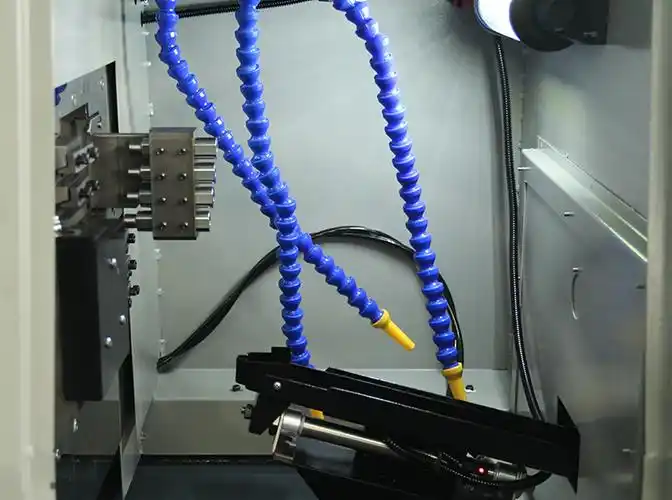
Matching Accessories to Your Project Requirements
Imagine this: you've designed a beautiful custom sign, loaded your material, and started the cut. Halfway through, the thin plywood shifts slightly. The result? Hours of work ruined by a single preventable problem. The accessories you choose aren't just about capability. They're about solving specific challenges that different project types present.
Whether you're building furniture, cutting signs, or machining metal parts, each application demands particular accessory configurations. Understanding these requirements before you start cutting transforms frustrating trial-and-error into predictable success. Let's match the right accessories to your actual projects.
Accessories for Woodworking and Furniture Projects
Furniture making pushes CNC accessories in directions that smaller projects never explore. You're dealing with larger stock dimensions, longer cutting times, and joints that demand precision for proper assembly. The accessories that work fine for small decorative pieces often fall short when furniture-scale work enters the picture.
Workholding becomes critical with larger panels. A shark cnc router table accommodating full sheets of plywood needs hold-down solutions that secure material without interfering with cutting paths. Toggle clamps positioned around your work perimeter provide quick engagement and release. For panel goods, consider sacrificial spoilboard systems with threaded inserts that allow screw-down securing without damaging your machine's table.
Router bit selection for furniture differs from decorative work. Straight bits with larger diameters handle dado cuts for shelving. Rabbeting bits create strong corner joints. Compression bits prevent tear-out on both faces of sheet goods, essential when both surfaces will be visible in the finished piece. Investing in carbide bits rather than high-speed steel pays dividends when cutting dense hardwoods that quickly dull inferior tooling.
Dust collection scales up dramatically for furniture projects. Extended cutting times generate substantial chip accumulation. A fox alien masuter pro running multi-hour furniture jobs needs robust dust extraction to maintain visibility and prevent chip recutting that degrades surface finish. Upgrade from basic shop vacuum setups to dedicated dust collectors with appropriate CFM ratings for your machine's enclosure volume.
Sign Making Accessory Requirements
Sign making introduces challenges that furniture work rarely encounters. You're often working with thin materials, intricate detail cuts, and materials ranging from HDU foam to acrylic to exotic hardwoods. Each material presents unique holding and cutting challenges.
Thin stock workholding separates successful sign makers from frustrated ones. Vacuum tables excel here, using atmospheric pressure to hold sheet materials flat without clamps that obstruct tool paths. For materials too porous for effective vacuum, double-sided tape or specialized sign-making fixtures with alignment pins ensure consistent positioning across production runs.
V-bits define the sign making accessory arsenal. These specialized cutting tools create the beveled edges and crisp lettering that characterize professional signage. Bit angles range from 15 degrees for fine detail work to 90 degrees for bold, chunky lettering. Building a collection of V-bits at different angles and tip widths enables you to match tooling precisely to design requirements.
Engraving bits complement V-bits for specialty applications. Tapered ball nose bits produce flowing script with smooth curves. Pointed engraving bits handle extremely fine detail work where even narrow V-bits prove too aggressive. Having both types available expands your design possibilities significantly.
Material-specific considerations matter enormously in sign work. Cutting acrylic demands polished cutting edges and appropriate feed rates to prevent melting. HDU foam requires sharp tooling to avoid tearing rather than cutting cleanly. Each material potentially needs dedicated tooling rather than all-purpose bits that compromise performance across the board.
Solving Common Machining Problems with the Right Accessories
Every CNC operator encounters recurring problems that the right accessories solve elegantly. Rather than fighting these issues project after project, investing in purpose-built solutions eliminates frustration and improves results across everything you make.
Here are common problems paired with their accessory solutions:
- Material movement during cutting: Vacuum tables, specialized tape systems, or upgraded clamps with higher holding force prevent shifting that ruins precision
- Poor surface finish with visible tool marks: Quality finishing bits, proper speeds and feeds enabled by better tooling, or upgraded spindles with reduced runout improve finish quality
- Inconsistent depth cuts across the work surface: Touch probes for accurate Z-zero setting, surfaced wasteboards for true flatness, or tramming accessories to square your spindle to the table
- Excessive material tear-out on edges: Compression bits for sheet goods, climb cutting enabled by rigid workholding, or backing boards for through-cuts
- Rapid tool wear and frequent replacements: Upgraded carbide tooling, coolant or mist systems for appropriate materials, or chip evacuation improvements that prevent recutting
- Difficulty achieving consistent part dimensions: Precision collets with minimal runout, gauge blocks for machine calibration verification, or fixture plates for repeatable workpiece positioning
- Visible chatter marks on finished surfaces: Anti-vibration spindle mounts, more rigid workholding, or tooling with appropriate flute counts for your material
Notice the pattern here? Most problems trace back to workholding, tooling, or measurement accessories. Strengthening these three categories addresses the majority of quality issues operators encounter regardless of project type.
Production efficiency benefits equally from strategic accessory selection. Quick-change workholding systems reduce setup time between parts. Organized tool storage with labeled positions speeds tool changes. Touch probes automate tedious manual measurements. Each efficiency-focused accessory compounds time savings across every future project.
The connection between accessories and project success isn't abstract. Every cut you make either benefits from appropriate accessories or suffers from their absence. Building your collection around actual project requirements rather than theoretical possibilities ensures every purchase delivers immediate, tangible value.
With project-specific accessory requirements understood, the next critical step involves proper installation and ongoing maintenance. Even the best accessories underperform when installed incorrectly or neglected over time.
Installing and Maintaining Your CNC Accessories
You've invested in quality CNC machine accessories. Now comes the part many operators overlook: proper installation and ongoing care. Even premium accessories underperform when mounted incorrectly or neglected over time. Worse, improper installation can damage both the accessory and your machine, turning a capability upgrade into an expensive lesson.
The difference between accessories that deliver years of reliable service and those that fail prematurely often comes down to installation technique and maintenance discipline. Let's walk through the practical steps that protect your investment and ensure consistent performance.
Step-by-Step Accessory Installation Best Practices
Before touching any accessory, power down your machine completely. This isn't just safety theater. Unexpected spindle activation during collet installation or probe mounting creates serious injury risk. Disconnect power at the source, not just through software controls.
Collet installation seems straightforward until you encounter the problems improper technique creates. Start by cleaning both the collet and spindle bore thoroughly. Any debris trapped between mating surfaces introduces runout that degrades every cut you make. Insert the collet into the spindle nut before threading the assembly onto the spindle. Attempting to insert the collet directly into the spindle bore often damages the collet's taper.
According to IMS USA, spindle grippers for HSK systems require particularly precise installation. Their installation time runs 30-45 minutes compared to 5-10 minutes for simpler ISO/BT/CAT systems. The additional complexity stems from HSK grippers engaging the entire taper rather than just clamping a pull stud. Rushing this process invites tool slippage, increased runout, and premature wear on both tool holders and spindles.
Workholding fixture installation demands attention to alignment. When mounting a vise or fixture plate, verify that mounting surfaces are clean and flat. Tighten fasteners in a star pattern rather than sequentially around the perimeter. This technique distributes clamping force evenly and prevents the fixture from shifting as you tighten the final bolts.
For next wave shark cnc machines and similar platforms, accessory mounting often involves T-slot nuts and cap screws. Ensure T-nuts seat fully in their slots before tightening. Partially engaged nuts can pull free under cutting forces, releasing your workpiece mid-operation. A firm tug on the fixture before cutting confirms secure mounting.
Probe and touch plate installation introduces electrical considerations alongside mechanical mounting. Verify your controller supports the probe type before purchasing. Connect wiring according to manufacturer specifications, paying attention to normally-open versus normally-closed circuit requirements. Incorrect wiring can cause false triggers or, worse, crashes where the machine fails to recognize contact.
Calibration and Performance Verification
Installation without calibration is only half the job. Calibration confirms your accessories perform within specification and integrates them properly with your machine's control system.
Touch plate calibration illustrates this principle perfectly. As Laguna Tools explains, the system must know exactly how thick your touch plate is for accurate Z-zero setting. Over time, touch plate surfaces become marred by bit contact. V-bits in particular leave dimples that affect measurement accuracy.
To calibrate your touch plate properly:
- If the surface shows wear marks, sand it gently on fine abrasive laid flat on your spoilboard. Keep the touch surface flat without rocking.
- Measure the plate thickness using digital calipers. For plates with hollow bottoms, bridge the gap with a piece of bar stock, measure the total, then subtract the bar stock thickness.
- Enter the measured thickness into your controller's touch plate settings. Most systems store this as a probe offset or similar parameter.
- Test the calibration by probing, then measuring actual tool height with calipers. Discrepancies indicate incorrect thickness values or probe configuration errors.
Spindle gripper verification follows installation according to IMS USA's guidance. Insert a tool holder without pressing the tool release button. It should not fall out. If your machine supports retention force testing, run the diagnostic. Perform a spindle warm-up cycle and monitor for abnormal vibrations that indicate improper gripper seating.
Workholding calibration focuses on repeatability rather than absolute accuracy. If you're using precision fixture plates with dowel pin systems, verify that parts locate consistently to within your required tolerance. Machine a test piece, remove it, relocate it using your fixturing system, and check dimensional consistency. Wave replacement of worn dowel pins becomes necessary when repeatability degrades beyond acceptable limits.
Maintenance Routines for Long Accessory Life
Accessories require ongoing attention to maintain their precision and extend their service life. Neglected accessories don't just wear out faster. They degrade gradually, introducing errors you might not notice until quality problems become severe.
Here's a systematic maintenance approach organized by frequency:
- After every use - Inspection: Check cutting tools for chips, cracks, or excessive wear. Inspect collets for scoring or debris. Verify workholding surfaces remain clean and undamaged. Address any issues before your next session.
- Weekly - Cleaning: Remove accumulated dust and chips from all accessory surfaces. Clean collet tapers with a lint-free cloth and appropriate solvent. Wipe down touch plates and probes. Vacuum T-slots and fixture mounting surfaces.
- Monthly - Lubrication and adjustment: Apply manufacturer-recommended lubricant to moving parts on clamps and fixtures. Check fastener tightness on permanently mounted accessories. Verify probe calibration remains accurate.
- Quarterly - Deep inspection: Examine collets for fatigue cracks under magnification. Check workholding surfaces for wear patterns affecting grip. Verify touch plate thickness hasn't changed due to surface wear. Test retention force on spindle grippers.
- Annually - Replacement evaluation: Assess all accessories against original specifications. Replace worn collets, damaged fixtures, and accessories showing performance degradation. Update calibration values for any accessories that remain in service.
Certain accessories demand more frequent attention. Collets in heavy use should be inspected weekly rather than monthly. Touch plates used for every job need regular thickness verification. Shark next wave cnc operators running production schedules may need to compress these intervals based on actual usage hours rather than calendar time.
Common installation mistakes to avoid include overtightening collet nuts, which distorts the collet and increases runout. Using the wrong lubricant on precision surfaces can attract dust or cause swelling in sealing components. Mounting fixtures without verifying surface cleanliness traps debris that prevents proper seating. Skipping calibration after installation leads to dimensional errors that compound through every subsequent part.
The time invested in proper installation and maintenance returns dividends in consistent quality, extended accessory life, and reduced frustration. Accessories that receive appropriate care deliver reliable performance for years, making them genuine investments rather than recurring expenses.
With installation and maintenance fundamentals covered, understanding how accessory quality directly impacts achievable precision becomes the next logical step in your accessory education.
Accessories That Elevate Precision and Production Quality
Here's a question worth considering: what separates a part that's "close enough" from one that meets exacting specifications every single time? The answer often lies not in the machine itself but in the accessories surrounding it. Quality CNC machine accessories directly influence the tolerances you can achieve, the consistency you can maintain, and ultimately whether your work meets professional standards or falls short.
Understanding this relationship transforms how you view accessory purchases. They're not just add-ons or conveniences. They're investments in capability that determine what level of precision your shop can reliably deliver.
How Accessories Impact Achievable Tolerances
Every accessory in your setup either contributes to or detracts from your achievable precision. Consider the chain of components between your spindle and workpiece: the collet gripping your tool, the tool itself, the workholding securing your material, and the measurement systems verifying results. Weakness anywhere in this chain limits your overall capability.
According to Methods Machine Tools, production performance enhanced by accessories translates directly to superior machining precision and impeccable quality. Tighter tolerances and finer finishes become achievable in fewer setups, lowering production costs significantly. This isn't marketing speak. It's the practical reality operators discover when they upgrade from budget accessories to precision-grade alternatives.
Collet runout provides a concrete example. A budget collet might introduce 0.002 inches of runout, meaning your cutting tool wobbles by that amount during rotation. This wobble translates directly into dimensional variation on your finished parts. Upgrade to a precision-ground collet with 0.0002 inches of runout, and you've improved potential accuracy by a factor of ten without touching your machine or programming.
Workholding contributes similarly. Fixtures that locate parts repeatably within thousandths of an inch enable consistent machining across production runs. Fixtures that allow even slight movement between parts introduce variation that accumulates through subsequent operations. For shark cnc machines and similar platforms, investing in precision fixturing elevates results beyond what the base machine suggests possible.
The cumulative effect matters most. Improving one accessory helps. Improving the entire accessory chain compounds benefits multiplicatively. Professional operators understand this principle and build their accessory collections accordingly, prioritizing precision throughout rather than accepting weak links.
Scaling from Prototype to Production
Imagine you've developed a successful prototype. Your customer loves it and wants 500 units. Suddenly, the accessories that worked fine for one-off production become bottlenecks. Manual workholding takes too long. Setup variation creates too many rejects. Measurement verification can't keep pace with output requirements.
Scaling from prototyping to production demands accessory upgrades that support volume manufacturing. Quick-change workholding systems that reduce setup time from minutes to seconds. Production-grade tooling designed for extended runs rather than occasional use. In-process measurement accessories that catch problems before they propagate through entire batches.
Custom fixtures become economically justified at production volumes. As Scan2CAD explains, dedicated fixtures are usually more expensive, more complex, and often have longer construction lead times. For these reasons, dedicated fixtures are preferred in high-volume production as they more than pay for themselves. The time savings per part, multiplied across hundreds or thousands of units, quickly recovers the initial investment.
NextWave Shark operators scaling up often discover their shark hd4 or HD520 machines capable of surprisingly professional output when supported by appropriate accessories. The machine provides the foundation. Accessories determine whether that foundation supports hobby-level or production-level work.
The transition also reveals which accessories you've been tolerating versus which ones genuinely perform. Production runs expose weaknesses that occasional use conceals. That collet you've used for years suddenly shows its accumulated wear. Those clamps that seemed adequate now clearly limit throughput. Scaling forces honest assessment of your entire accessory collection.
Professional Standards in Accessory Selection
Professional manufacturing environments operate under constraints that hobby shops rarely encounter. Customers demand documented quality. Contracts specify tolerances in thousandths. Auditors verify that processes actually deliver claimed capabilities. In this environment, accessory selection becomes strategic rather than casual.
Certified manufacturing facilities demonstrate this principle at scale. Shaoyi Metal Technology, for example, leverages precision tooling and accessories to deliver high-tolerance components backed by IATF 16949 certification and Statistical Process Control (SPC) quality monitoring. Their facility maintains the accessory infrastructure necessary to guarantee results, not just attempt them. For manufacturers requiring professional CNC machining solutions for automotive applications, this level of capability becomes essential rather than optional.
What distinguishes professional-grade accessories from consumer alternatives? Several characteristics emerge consistently:
- Documented specifications: Professional accessories come with verified dimensional data, not just nominal descriptions
- Traceability: Materials and manufacturing processes can be verified back to their sources
- Consistency: Every unit performs identically, enabling process standardization
- Durability: Performance remains stable across extended use rather than degrading unpredictably
- Support: Manufacturers stand behind their products with technical assistance and warranty coverage
The investment philosophy shifts accordingly. Professional operators view accessories as capability investments rather than expenses to minimize. A precision collet set costing three times the budget alternative pays for itself through reduced scrap, faster setups, and consistent quality across production runs. The per-part cost advantage of quality accessories becomes obvious at volume, even though the initial purchase seems expensive.
This perspective applies whether you're outfitting a next wave cnc shark for serious hobby production or evaluating whether to invest in additional capability versus outsourcing demanding work to certified facilities. Sometimes the smartest accessory investment is recognizing when professional manufacturing partners offer capabilities beyond what your own shop can economically achieve.
Understanding how accessories elevate precision and production quality prepares you to build a comprehensive accessory strategy. The final step involves synthesizing everything we've covered into actionable next steps tailored to your specific experience level and goals.
Building Your CNC Accessory Strategy for Success
You've journeyed through the complete landscape of CNC machine accessories, from understanding their fundamental purposes to matching specific tools with your projects. Now comes the moment that separates casual operators from those who consistently produce exceptional work: developing a coherent strategy that guides every future purchase and maintenance decision.
Random accessory buying leads to cluttered workshops and underutilized equipment. Strategic accessory building creates capability that compounds over time. Let's crystallize everything we've covered into actionable guidance you can apply immediately.
Key Takeaways for Smart Accessory Selection
Before reaching for your wallet, pause and reflect on the principles that should guide every accessory decision. These aren't abstract concepts. They're practical filters that prevent regrettable purchases and ensure genuine value.
Purpose first, product second. Every accessory exists to solve a specific problem or enable a particular capability. Identify what you're trying to achieve before browsing catalogs. A vacuum table solves thin material workholding challenges. A touch probe eliminates manual Z-zero guesswork. When you understand the problem clearly, the right solution becomes obvious.
Compatibility isn't negotiable. That shark cnc hd520 accessory won't necessarily fit your desktop router, regardless of how perfect it seems for your application. Verify spindle interfaces, mounting dimensions, electrical requirements, and software support before purchasing. The few minutes spent confirming compatibility prevents hours of frustration and return shipping hassles.
Maintenance determines longevity. Quality accessories represent investments, but only if you protect that investment through proper care. Establish inspection, cleaning, and calibration routines appropriate to your usage intensity. Neglected accessories degrade silently until quality problems force attention.
The best CNC accessory strategy isn't about buying the most expensive equipment. It's about building a collection where every piece serves a defined purpose, integrates properly with your machine, and receives the care necessary to deliver consistent performance across years of use.
Build systematically, not impulsively. Your accessory collection should follow a logical progression from essentials through intermediate enhancements to advanced specialized equipment. Resist the temptation to purchase advanced accessories before mastering fundamentals. Each phase prepares you for the next.
Your Next Steps Based on Experience Level
Where you are in your CNC journey determines what actions make sense right now. Here's specific guidance tailored to different experience levels:
If you're just starting out:
- Focus exclusively on the five essentials: safety glasses, dust collection, basic workholding, a starter bit set, and a touch plate
- Learn your machine's behavior before adding complexity through cnc machine upgrades
- Complete several projects using only basic accessories to understand what limitations you're actually experiencing
- Document the problems you encounter. These become your shopping list for the next phase
If you have six months to a year of experience:
- Evaluate which accessories have proven essential versus which sit unused
- Expand your tooling collection based on materials you actually work with, not theoretical possibilities
- Consider workholding upgrades that address recurring setup challenges
- Establish maintenance routines if you haven't already. Your accessories need regular attention
If you're an experienced operator:
- Audit your entire accessory collection against current specifications. Replace worn components
- Evaluate whether professional cnc accessories would elevate your capability for demanding projects
- Consider specialized accessories that support your most common or most profitable work
- Assess whether your cnc accessory strategy aligns with where your work is heading, not just where it's been
When to Consider Professional Machining Partners
Sometimes the smartest accessory decision involves recognizing limitations. Not every shop can economically justify the accessory infrastructure required for extremely tight tolerances, exotic materials, or production volumes that exceed machine capacity.
Consider professional manufacturing partners when:
- Project tolerances exceed what your current accessory collection can reliably achieve
- Volume requirements would overwhelm your production capacity even with upgrades
- Material requirements demand specialized tooling you'd rarely use otherwise
- Certification requirements like IATF 16949 exceed your shop's quality infrastructure
- Lead time pressures don't allow for learning curves with new accessories or processes
For operators facing these situations, partnering with established manufacturing facilities offers access to capabilities without capital investment. According to Fictiv's outsourcing guide, companies that outsource machining work gain access to advanced technology, leverage custom machining solutions, and avoid expensive investments in equipment and training.
Shaoyi Metal Technology exemplifies what professional manufacturing partnerships offer. Their facility delivers precision CNC machining services designed to scale seamlessly from rapid prototyping to mass production, with lead times as fast as one working day. Backed by IATF 16949 certification and strict Statistical Process Control, they maintain the accessory and quality infrastructure that would require substantial investment to replicate independently. For automotive applications or projects demanding certified precision, exploring their professional CNC machining solutions may prove more practical than attempting to build equivalent capability in-house.
This isn't about abandoning your own machining ambitions. It's about recognizing where your capabilities genuinely add value versus where partnering delivers better results. Many successful shops maintain strong in-house capability for their core work while outsourcing specialized or overflow requirements to certified partners.
Your CNC accessory journey doesn't end with this article. It evolves continuously as your skills develop, your projects change, and new accessory technologies emerge. The operators who produce consistently exceptional work share one characteristic: they approach accessory selection strategically rather than randomly. Apply the principles we've covered, and your hobby cuts will increasingly resemble precision masterpieces.
Frequently Asked Questions About CNC Machine Accessories
1. What are the essential CNC machine accessories for beginners?
Beginners should prioritize five essential accessories: safety glasses for eye protection, dust collection systems to maintain a clean workspace, basic workholding kits like step clamps, a starter router bit set covering straight cutting and V-carving, and a touch plate for accurate Z-zero setting. These fundamentals enable safe, reliable operation while you develop your skills before investing in advanced upgrades.
2. How do I know if an accessory is compatible with my CNC machine?
Check these compatibility factors before purchasing: confirm the accessory matches your machine type (router, mill, or lathe), verify spindle interface compatibility including taper or collet system specifications, ensure mounting dimensions align with your T-slots or table configuration, confirm electrical requirements match your power supply, and verify your controller software supports any electronic accessories. Platform-specific accessories from brands like FoxAlien or NextWave Shark guarantee fit for their respective machines.
3. What is the difference between CNC machine parts and accessories?
Machine parts are integral components required for basic operation, such as spindles, motors, and control systems. Without them, your CNC cannot function. Accessories enhance or extend machine capabilities beyond factory specifications. For example, your spindle is a part, but the collet holding your cutting tool is an accessory. Essential accessories enable meaningful operation, while enhancement accessories provide optional performance upgrades.
4. How often should I maintain my CNC accessories?
Follow this maintenance schedule: inspect cutting tools and collets after every use, clean accessory surfaces and T-slots weekly, lubricate moving parts and check fastener tightness monthly, perform deep inspections of collets and workholding surfaces quarterly, and evaluate all accessories against original specifications annually. Production environments may need compressed intervals based on actual usage hours rather than calendar time.
5. When should I consider outsourcing CNC work instead of buying more accessories?
Consider professional manufacturing partners when project tolerances exceed your current capability, volume requirements overwhelm your capacity, materials demand specialized tooling you would rarely use, certification requirements like IATF 16949 exceed your quality infrastructure, or lead times prevent learning curves with new equipment. Facilities like Shaoyi Metal Technology offer precision machining with rapid prototyping to mass production scaling, often proving more practical than building equivalent in-house capability.