 Small batches, high standards. Our rapid prototyping service makes validation faster and easier —
  EN
EN


Simulation Software for Metal Stamping: The 2025 Buyer's Guide

TL;DR
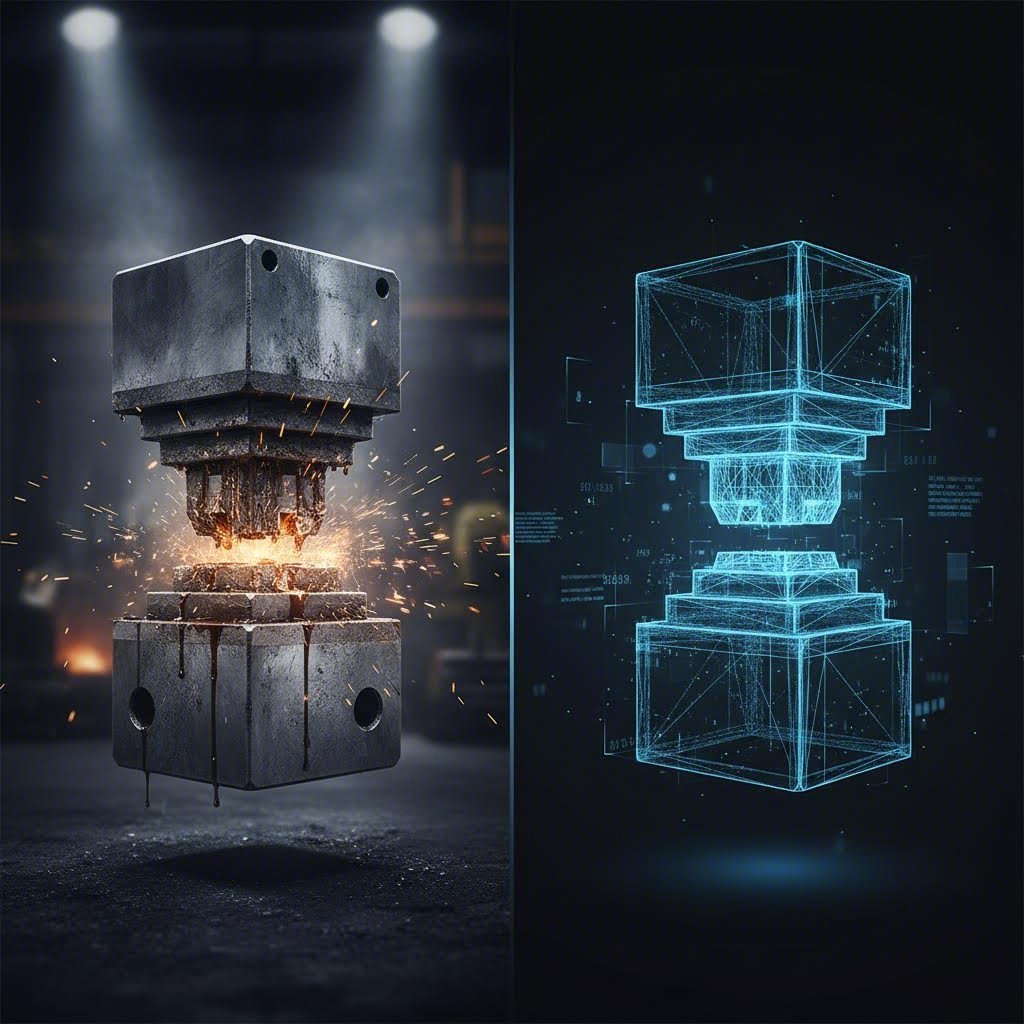
Simulation software for metal stamping utilizes Finite Element Analysis (FEA) to predict and prevent manufacturing defects like splitting, wrinkling, and springback before any physical tooling is cut. By creating a "digital twin" of the stamping process, these tools allow engineers to optimize blank nesting, reduce material waste, and shorten the costly die tryout phase.
For most professional applications, the industry leaders are AutoForm (best for end-to-end automotive process engineering), Ansys Forming (best for detailed validation using the LS-DYNA solver), and Altair Inspire Form (best for product designers and early feasibility checks). Choosing the right tool depends largely on whether your focus is early design feasibility, detailed die face engineering, or specialized processes like hot forming.
Why Invest in Metal Stamping Simulation?
In the traditional stamping workflow, "tryout" was a physical, labor-intensive phase. Die makers would machine a tool, place it in a press, stamp a part, discover a split or wrinkle, and then grind or weld the tool to fix it. This cycle could repeat dozens of times, costing weeks of delay and thousands of dollars in scrap metal and labor.
Simulation software for metal stamping transforms this linear process into a circular, digital workflow known as Virtual Prototyping. By validating the process virtually, manufacturers achieve three critical outcomes:
- Defect Prediction: Advanced solvers can predict complex failure modes such as thinning, tearing (splitting), wrinkling, and surface defects (skid lines) with over 95% accuracy.
- Springback Compensation: High-strength steels and aluminum are notorious for "springing back" after forming. Simulation software calculates this elastic recovery and automatically compensates the die surface geometry to ensure the final part hits dimensional tolerances.
- Material Optimization: With blank nesting and cost estimation modules, engineers can rotate and arrange parts on a coil to maximize material utilization, often saving huge sums in high-volume production runs.
Ultimately, simulation bridges the gap between digital design and physical reality. While the software provides the roadmap, executing it requires precision manufacturing. Leading automotive partners like Shaoyi Metal Technology utilize such advanced production capabilities to bridge the gap from rapid prototyping to high-volume manufacturing, ensuring that the theoretical precision of simulation is realized in the final press shop up to 600 tons.
Top Metal Stamping Simulation Software Compared
The market for stamping simulation is specialized, with a few dominant players catering to different users—from product designers to die engineers. Below is a detailed breakdown of the top solutions available in 2025.
1. AutoForm: The Automotive Standard
Best For: Process engineers, die designers, and cost estimators in the automotive sector.
AutoForm is widely considered the industry standard for sheet metal forming simulation, particularly in the automotive "Body in White" (BiW) sector. Its strength lies in its specialized focus; it is not a general-purpose FEA tool but a dedicated platform for the entire stamping process chain.
Key features include AutoForm-Sigma for robustness analysis (ensuring the process works even with material variations) and AutoForm-Compensator for advanced springback correction. It allows for simultaneous engineering, enabling cost estimators to generate accurate quotes based on blank size and press tonnage even before detailed die designs are finalized.
2. Ansys Forming: The Validation Powerhouse
Best For: FEA specialists and engineers requiring deep physics validation.
Built on the legendary LS-DYNA solver, Ansys Forming offers an "all-in-one" platform designed for speed and accuracy. While LS-DYNA has long been the gold standard for explicit dynamics (crash testing and forming), Ansys Forming wraps this power in a user-friendly interface dedicated to stamping.
The 2025 release has introduced a new One-Step analysis capability, allowing for ultra-fast feasibility checks before moving to full incremental simulation. This makes it a versatile tool that can handle everything from simple blanking to complex multi-stage setups with drawbeads and pads. It excels in predicting the exact stress-strain history of a part.
3. Altair Inspire Form: The Designer’s Choice
Best For: Product designers and design engineers doing early feasibility checks.
Altair Inspire Form (formerly Click2Form) democratizes simulation. Unlike the heavy engineering interfaces of competitors, Inspire Form is designed to be intuitive. It allows product designers to check "manufacturability" in seconds using a one-step inverse solver. If a part has a negative draft angle or severe undercut, the software flags it immediately.
For more advanced users, it also offers a scalable incremental solver for virtual tryout. Its PolyNURBS technology is a standout feature, allowing users to quickly mock up die addendum (binder and functional surfaces) without needing complex CAD skills.
4. Simufact Forming: The Manufacturing Generalist
Best For: Manufacturing engineers dealing with diverse processes (forging, joining, stamping).
Part of the Hexagon portfolio, Simufact Forming is unique because it covers a broader range of metal forming beyond just sheet metal. It is equally capable in cold forming (fasteners, bolts), hot forging, and joining technologies (riveting, spot welding).
Simufact emphasizes "usability for practitioners," meaning you don't need a PhD in mechanics to set up a job. Its automatic meshing and remeshing capabilities reduce the setup time significantly, making it ideal for job shops that handle a high mix of forming processes.
5. PAM-STAMP: The Specialist for Exotic Processes
Best For: Aerospace and complex forming (hydroforming, stretch forming).
Developed by ESI Group (now part of Keysight), PAM-STAMP is a high-end solution known for its flexibility. While it handles standard stamping well, it shines in specialized domains like tube bending, hydroforming (using fluid pressure to shape metal), and stretch forming of aerospace panels.
It offers precise control over process parameters and is often used where standard automotive-focused tools hit their limits. Its "end-to-end" virtual manufacturing environment is favored by R&D teams pushing the boundaries of material science.
Key Features to Look For
When selecting simulation software for metal stamping, "accuracy" is a given. The real differentiators are the specific features that align with your workflow.
One-Step vs. Incremental Solvers
Understanding the difference between solvers is critical. A One-Step (Inverse) Solver takes the final 3D part geometry and flattens it to find the initial blank shape. It is incredibly fast (seconds) and great for quoting and nesting, but it assumes a linear strain path. An Incremental Solver simulates the physical movement of the die closing, step-by-millisecond-step. This captures the true history of deformation, including work hardening and complex springback, but takes significantly longer to compute.
Material Library and Characterization
Garbage in, garbage out. The accuracy of any simulation depends on the quality of the material data. Look for software with a comprehensive library of standard steel (CR, HR, DP, TRIP) and aluminum grades. Advanced users should ensure the software allows for importing custom Forming Limit Diagrams (FLD) and stress-strain curves derived from physical tensile tests.
Springback Compensation Strategy
For high-strength steels, predicting springback is not enough; you need to fix it. Leading tools like AutoForm and Ansys offer "automatic compensation" loops. The software measures the predicted deviation and morphs the tool surface in the opposite direction to counteract the springback. This feature alone can save weeks of manual tool recutting.
Free vs. Paid Options: Managing Expectations
A common search query is for "free simulation software for metal stamping." It is important to set realistic expectations: industrial-grade stamping simulation does not exist for free. The physics involved (non-linear plasticity, contact mechanics, anisotropy) require complex solvers that are expensive to develop.
However, there are entry points:
- General FEA Tools: Software like FreeCAD or Fusion 360 has basic stress analysis (linear static), but they cannot simulate metal flow or plastic deformation accurately. They are not suitable for stamping.
- Cloud-Based Pay-Per-Use: Some vendors offer cloud modules (like EasyBlank Cloud by AutoForm) where you can upload a part and pay a small fee for a one-time feasibility report. This is an excellent option for small shops that cannot afford a full license.
- Academic Licenses: Companies like Ansys and Altair offer free or low-cost student versions. While these cannot be used for commercial work, they are perfect for learning the interface and principles.
Selection Guide: Which Tool is Right for You?
Your choice should be dictated by your role in the supply chain:
- If you are a Product Designer: Choose Altair Inspire Form. You need speed and ease of use to verify "can this be stamped?" without getting bogged down in die parameters.
- If you are a Die Designer / Tooling Engineer: Choose AutoForm or Ansys Forming. You need deep features for die face design, drawbead optimization, and springback compensation.
- If you are a Job Shop / Manufacturer: Choose Simufact Forming if you do a mix of forging and stamping. Its generalist approach provides better ROI across different machine types.
- If you do Specialized Aerospace Work: Choose PAM-STAMP for its capabilities in hydroforming and stretch forming.
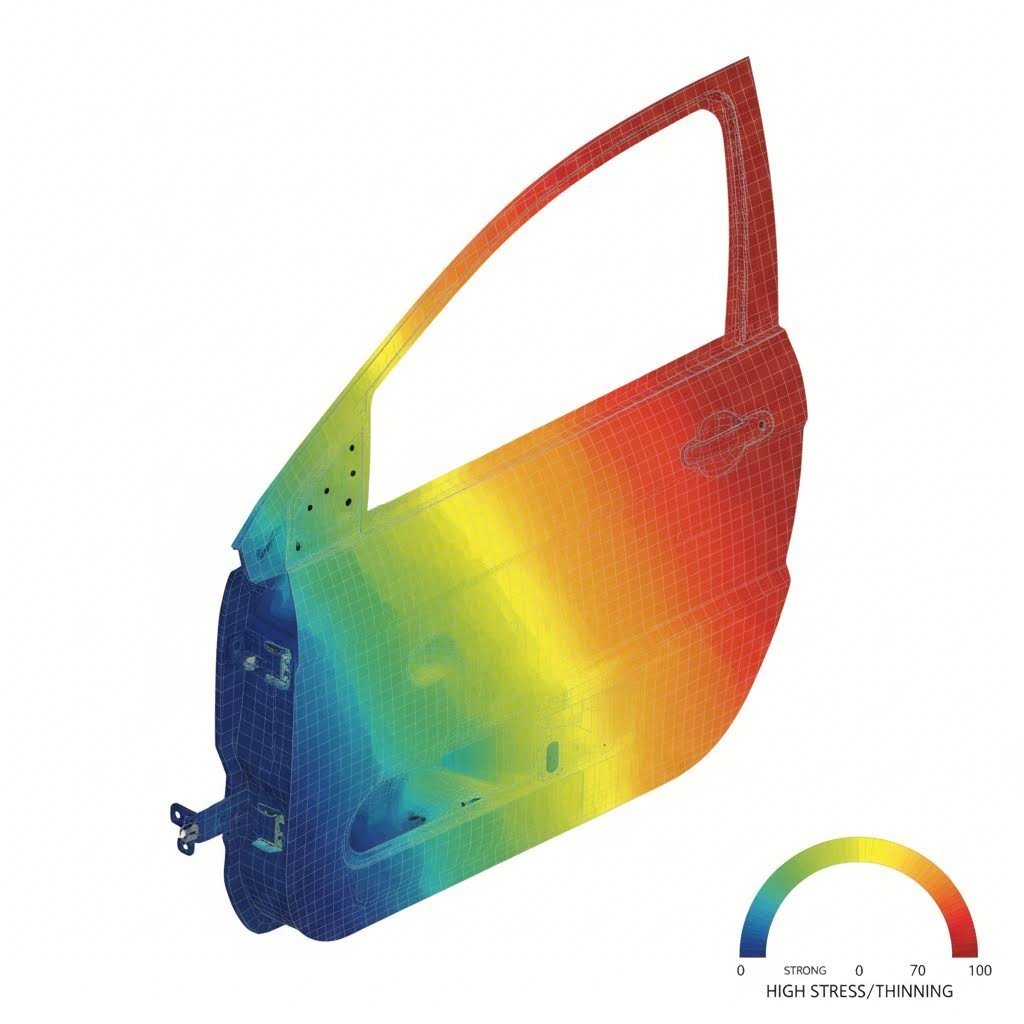
Ultimately, the software is a tool for decision-making. The goal is not just to generate a colorful stress map, but to make a "Go/No-Go" decision on a tool design before investing capital.
Frequently Asked Questions
1. Can stamping simulation predict surface defects?
Yes, modern simulation software is highly effective at predicting surface defects such as skid lines, shock lines, and sink marks. Tools like AutoForm have dedicated surface analysis modules that visualize these minute imperfections, which are critical for Class-A outer body panels in the automotive industry.
2. How accurate is springback prediction?
Springback prediction has improved drastically but depends heavily on the material model. If the simulation uses accurate hardening curves and yield criteria (like Barlat 2000), accuracy can be within +/- 0.5mm for complex automotive parts. However, creating a "robust" process that accounts for batch-to-batch material variation is often more important than a single perfect prediction.
3. What hardware do I need to run stamping simulation?
While one-step solvers can run on a standard laptop, full incremental simulations require a workstation. A typical recommended setup includes a multi-core processor (8+ cores), at least 32GB (preferably 64GB) of RAM, and a dedicated professional GPU. Many modern solvers also support parallel processing to speed up calculation times significantly.