 Small batches, high standards. Our rapid prototyping service makes validation faster and easier —
  EN
EN


Selecting the Right Automotive Die Simulation Software

TL;DR
Automotive die simulation software is an essential engineering tool for designing, validating, and optimizing sheet metal forming and die-casting processes. It empowers manufacturers to predict and prevent costly defects like cracks or wrinkles before any physical tooling is created. By leveraging this technology, companies significantly reduce development time, lower material costs, and improve final part quality. Leading solutions in this space include Ansys Forming, AutoForm, and ProCAST, each offering specialized capabilities for different manufacturing needs.
What Is Automotive Die Simulation and Why Is It Crucial?
Automotive die simulation software is a type of computer-aided engineering (CAE) that creates a virtual environment to replicate the entire die manufacturing process. From stamping a sheet of metal to casting a complex engine block, this technology allows engineers to see how materials will behave under the immense pressures and temperatures of production. The primary goal is to ensure the manufacturability of a part design, catching potential failures before they lead to expensive and time-consuming physical tryouts on the shop floor.
The importance of this technology cannot be overstated. Traditionally, die development relied on trial and error, a process that could take weeks or even months. As detailed in an industry report by MetalForming Magazine, one company identified a critical corner failure in a simulation that would have otherwise caused a two-week delay and significant tooling rework. By front-loading this analysis, manufacturers can iterate on designs digitally in a matter of hours, not weeks.
The return on investment is substantial. Simulation helps optimize material usage by precisely calculating the required blank size, reducing scrap. It also drastically cuts down on the need for physical press tryouts, saving machine time, labor, and energy. For example, Keysight notes that users of its ProCAST software for die-casting can achieve significant annual savings by optimizing cooling cycles and reducing defects. This shift from a reactive to a predictive approach is fundamental to modern, efficient automotive manufacturing.
Key Features and Capabilities of Modern Die Simulation Software
Modern die simulation platforms offer a comprehensive suite of tools that cover the entire die development workflow. When evaluating software, engineers look for specific capabilities that address different stages of the process, from initial feasibility to final validation. Understanding these features is critical for selecting a solution that aligns with your specific production needs, whether it's for progressive dies or large single-action stamping.
Key capabilities generally include:
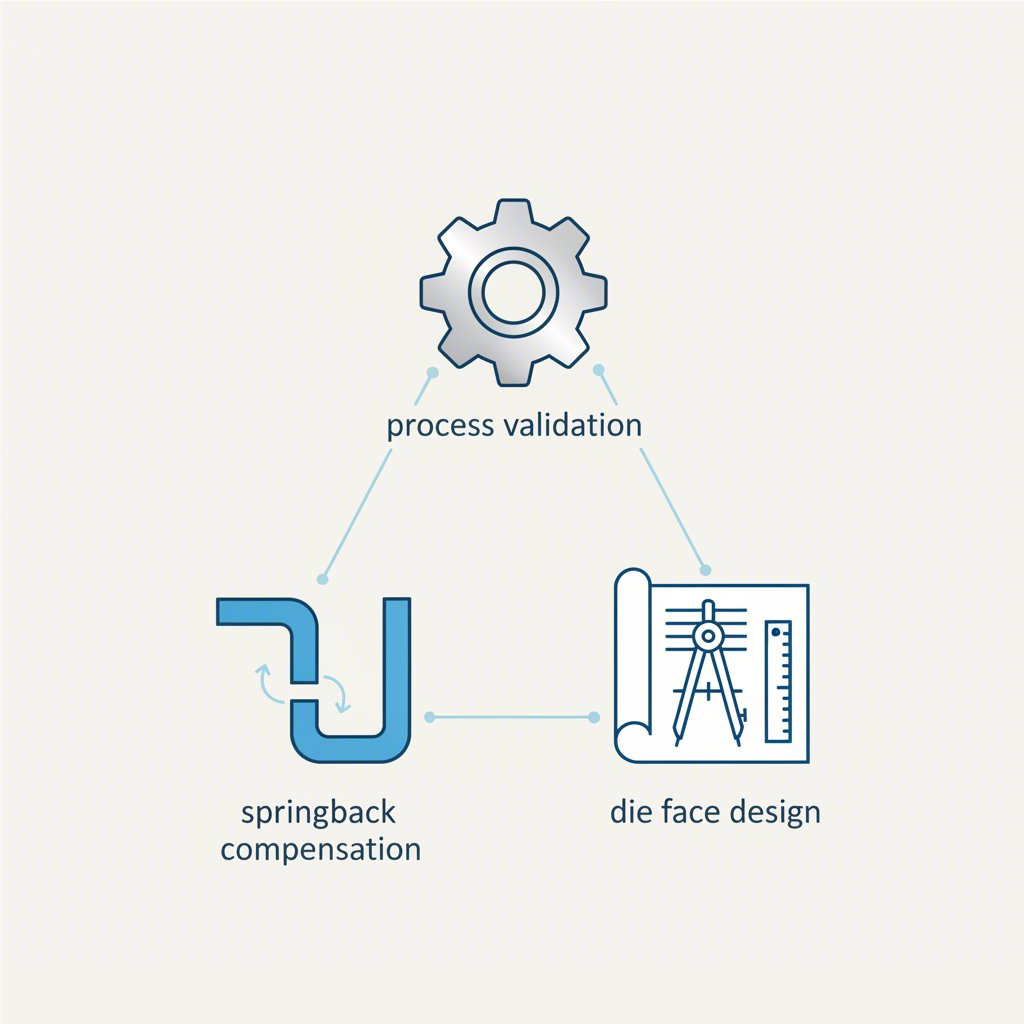
- Die Face Design: This is the creative and engineering-heavy process of designing the binder and addendum surfaces that control metal flow during stamping. Solutions like AutoForm-DieDesigner specialize in providing tools to rapidly create and modify these complex surfaces.
- Process Validation: The software must be able to simulate the entire, multi-stage forming process. Ansys Forming emphasizes an end-to-end workflow, allowing users to simulate drawing, trimming, flanging, and springback all within a single platform.
- Blank Size and Nesting: Optimizing the initial sheet metal blank is crucial for cost control. Software like Dynaform provides modules for blank size engineering to minimize material waste before production even begins.
- Springback Prediction and Compensation: After forming, high-strength metals tend to spring back slightly from their intended shape. Accurate springback prediction and tools to compensate for it by modifying the die geometry are among the most valuable features of advanced simulation software.
- Defect Analysis: The core function of simulation is to identify potential defects. This includes visualizing issues like cracks, wrinkles, thinning, and thickening using tools like the Forming Limit Diagram (FLD).
These features enable engineers not only to validate a design but also to optimize it for cost, quality, and efficiency. The ability to quickly generate quotes based on an accurate material and process plan is another significant business advantage offered by these integrated toolsets.
Comparative Analysis of Leading Automotive Die Simulation Software
The market for automotive die simulation software is competitive, with several key players offering solutions tailored to specific needs. Choosing the right software often depends on the primary manufacturing process (stamping vs. casting), existing CAE/CAD ecosystem, budget, and required level of precision. The leading solutions identified in the market each have distinct strengths.
Here is a breakdown of the top contenders:
| Software | Primary Use Case | Key Feature | Target User |
|---|---|---|---|
| Ansys Forming | End-to-end sheet metal stamping | Integrated platform for the entire die process workflow | Engineers seeking a comprehensive, all-in-one solution |
| AutoForm | Sheet metal forming, specializing in die face design | Advanced tools for rapid die face creation and modification | Die designers and stamping specialists focused on high-quality surfaces |
| Dynaform | Sheet metal forming simulation | LS-DYNA solver integration; cost-effective alternative | Companies invested in the LS-DYNA ecosystem or seeking a powerful, budget-conscious option |
| ProCAST | Die-casting processes (high pressure, gravity, etc.) | Simulation of mold filling, solidification, and thermal stress | Foundries and engineers focused on casting manufacturing |
While AutoForm is renowned for its strength in detailed die face design, Ansys Forming offers the advantage of a streamlined, unified workflow. For businesses that rely heavily on the LS-DYNA solver for other simulations, Dynaform presents a compelling and well-integrated choice. Meanwhile, ProCAST stands out as a specialized leader for the entirely different physics of die-casting. The best choice ultimately hinges on aligning these specific strengths with a company's primary production methods and engineering workflows.

Implementing Simulation: A Step-by-Step Workflow
Successfully integrating die simulation into the development process involves a structured workflow that transforms a digital part file into a fully validated and optimized tool design. This systematic approach ensures that all potential manufacturing issues are identified and resolved virtually, minimizing the need for costly physical adjustments later.
A typical simulation workflow includes the following steps:
- Part Feasibility and CAD Import: The process begins with importing the 3D CAD model of the automotive component. An initial, rapid analysis (often called a 'one-step' analysis) is performed to check the general formability of the part and identify areas of high risk for tearing or wrinkling.
- Concept Die Face Design: Using specialized tools within the software, engineers design the addendum and binder surfaces that will hold and guide the sheet metal during the stamping operation. This is a critical step that determines how material flows into the die cavity.
- Full Incremental Simulation: With the die faces designed, a full, multi-step simulation is run. This is a computationally intensive process that accurately models every stage of the stamping operation, from the initial binder wrap and drawing to subsequent trimming and flanging operations.
- Result Analysis and Optimization: Engineers analyze the simulation output, examining forming limit diagrams, thinning plots, and springback results. If defects are found, they return to the die face design step, making modifications and re-running the simulation until an optimal, defect-free result is achieved.
- Final Validation and Tooling Output: Once the process is validated, the final die surface geometry is exported for CAM and the manufacturing of the physical tool.
This iterative digital process is fundamental to modern manufacturing. Expert producers of custom automotive stamping dies and metal components, such as Shaoyi (Ningbo) Metal Technology Co., Ltd., leverage these advanced CAE simulations to deliver high-precision tooling and parts with reduced lead times and exceptional quality for OEMs and Tier 1 suppliers.
Frequently Asked Questions
1. What is the difference between stamping simulation and casting simulation?
Stamping simulation focuses on the plastic deformation of sheet metal at or near room temperature. It analyzes issues like wrinkling, tearing, and springback. Casting simulation, on the other hand, models the flow of molten metal into a mold, its solidification, and related thermal stresses to predict defects like porosity or hot tears.
2. How does simulation software reduce tooling costs?
Simulation software reduces costs primarily by minimizing the need for physical tryouts and die rework. By identifying and correcting design flaws virtually, it avoids the expensive process of re-machining, polishing, and testing heavy steel dies. It also helps optimize material usage, further reducing expenses.
3. Can simulation predict springback accurately?
Yes, modern simulation software has become highly accurate in predicting springback, especially for advanced high-strength steels (AHSS) used in automotive applications. Accurate material models are crucial for this. The software can then automatically generate compensated die surfaces to counteract the springback effect, ensuring the final part meets geometric tolerances.