 Small batches, high standards. Our rapid prototyping service makes validation faster and easier —
  EN
EN


Nilinaw na Gabay sa Pagputol ng Steel Gamit ang Laser: Limitasyon sa Kapal, Gastos, at Kalidad ng Gilid
Ano Talaga Ang Ginagawa Ng Pagputol Ng Bakal Gamit Ang Laser Sa Metal
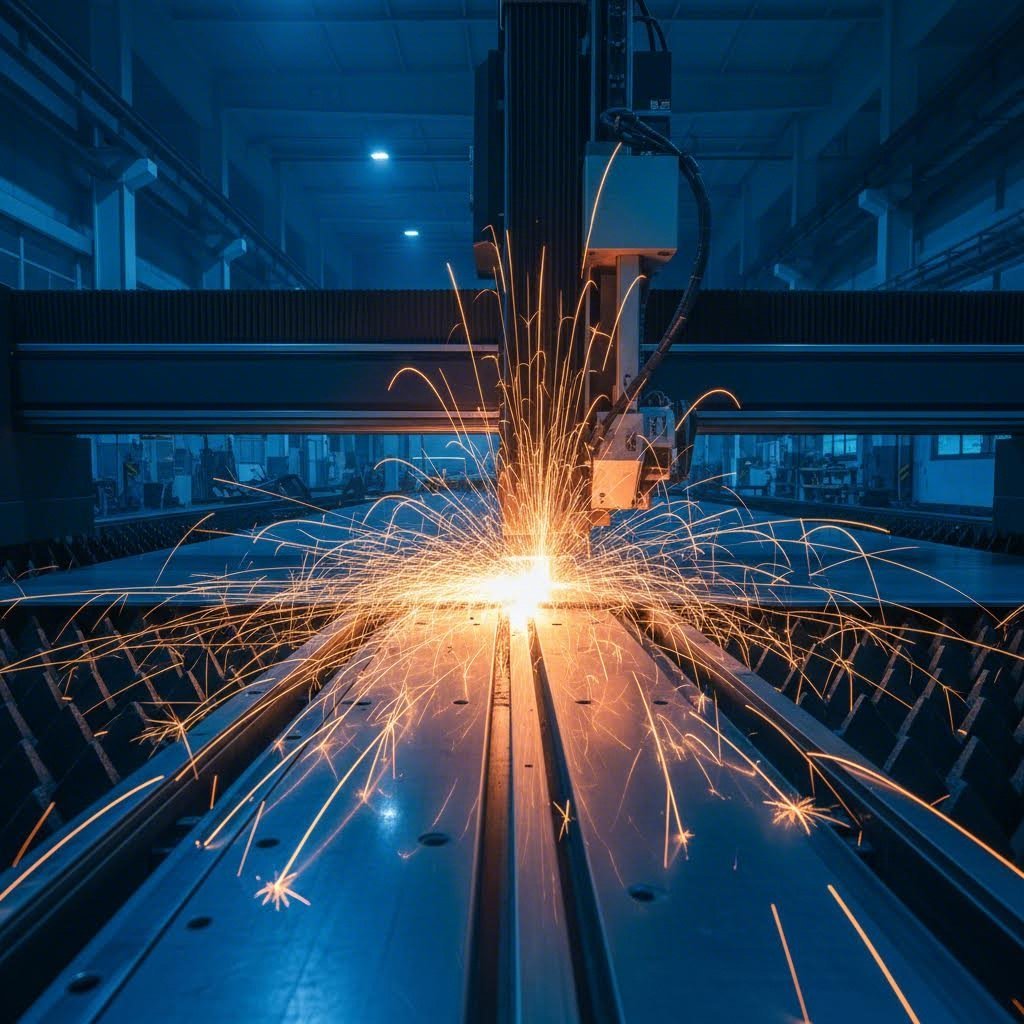
Nagulat ka na ba kung paano ginagawa ng mga tagagawa ang mga napakapinong bahagi ng bakal na nakikita mo sa lahat mula sa chassis ng kotse hanggang sa mga makinarya sa industriya? Ang sagot ay nasa pagputol ng bakal gamit ang laser—isang proseso kung saan sinisindihan ng mataas na density na sinag ng laser ang ibabaw ng bakal, tinutunaw ang materyal sa punto ng sinag upang ukitin ang mga pasadyang bahagi nang may kamangha-manghang katumpakan.
Kaya nga, ano nga ba ang pagputol gamit ang laser? Sa mismong diwa nito, ito ay isang prosesong thermal separation. Isang nakapokus na sinag ng mataas na kapangyarihang liwanag na laser —na nakatuon sa ilang milimetro lamang ang lapad—ay gumagalaw sa isang nakaprogramang landas, tinutunaw, sinisindihan, o binabagong gas ang asero sa landas nito. Ang isang pantulong gas ay hinuhugot ang natunaw na materyal, nag-iiwan ng malinis at tumpak na gilid ng putol. Ang paraang ito ng pagputol ng metal gamit ang laser ay naging pamantayan sa mga operasyon ng pagputol ng metal na nangangailangan ng mahigpit na toleransiya at kumplikadong hugis.
Paano Pinapalit ng Nakatuong Liwanag ang Padulas na Asero
Isipin mo ang pagsusunod ng sapat na enerhiya sa isang manipis na sinag upang putulin ang padulas na asero parang mainit na kutsilyo sa mantikilya. Ito mismo ang nangyayari sa proseso ng pagputol. Inihahatid ng sinag ng laser ang matinding thermal na enerhiya sa isang mikroskopikong lugar, itinaas ang temperatura ng asero nang lampas sa punto ng pagkatunaw nito halos agad.
Dito masaya ang lahat. Hindi katulad ng pangkalahatang paraan ng pagputol ng metal, ang pagputol ng metal gamit ang laser ay nangangailangan ng pag-unawa kung paano eksaktong kumikilos ang asero sa ilalim ng matinding init. Gumagana ang proseso sa pamamagitan ng tatlong pangunahing mekanismo:
- Pagputol sa pamamagitan ng pagtunaw: Pinapalapot ng laser ang bakal habang tinatapon ng isang inert na gas (karaniwan ay nitrogen) ang nagmumungang materyales
- Flame cutting: Tinutulungan ng oxygen ang laser, na gumagawa ng eksotermikong reaksyon na nagdaragdag ng kapangyarihan sa pagputol
- Pagputol sa pamamagitan ng pagkabulok: Para sa mga napakapanipis na materyales, sinisira diretso ng laser ang bakal sa pamamagitan ng pagkabulok
Ang pagpili sa pagitan ng mga pamamarang ito ay nakadepende sa uri at kapal ng iyong bakal, at sa kalidad ng gilid na kailangan mo—mga salik na susuriin natin sa kabuuan ng gabay na ito.
Ang Agham Sa Pabalik na Pananahimik
Bakit kailangan ng espesyal na atensyon ang bakal kumpara sa aluminum o tanso? Ito ay dahil sa tatlong mahahalagang katangian na nagiging natatangi at hamon sa metal na ito.
Una, ang medyo mababang thermal conductivity ng bakal ay nakakatulong sa iyo. Hindi tulad ng aluminum, na mabilis na pinapakalat ang init sa buong materyales, pinapanatili ng bakal ang thermal energy sa lugar ng pagputol. Nagbibigay-daan ito sa tumpak na pagputol na may kaunting heat-affected zones—na partikular na kapaki-pakinabang kapag gumagawa ng mga detalyadong disenyo o manipis na sheet.
Ang masiglang istruktura ng bakal at mataas na nilalaman ng carbon ay nangangailangan ng tiyak na kalibrasyon ng kagamitang laser. Ang lokal na pagpainit ay nagpapahintulot sa malinis na pagputol, ngunit dapat maingat na bantayan ng mga tagagawa ang bilis ng pagputol at pamamaraan ng paglamig upang maiwasan ang pagkabaluktot o pagkabagu bago sa mas malalaking piraso.
Pangalawa, ang mas mataas na punto ng pagkatunaw ng bakal ay nangangahulugan na kailangan mo ng sapat na lakas ng laser upang makamit ang buong pagbabad. Ang 1000W na fiber laser ay maaaring magputol sa humigit-kumulang 10mm na carbon steel, ngunit ang stainless steel na may katulad na kapal ay nangangailangan ng mas malaking lakas dahil sa mga elemento nito sa haluang metal.
Pangatlo, nabubuo ang mga oxide layer ang bakal habang nagpuputol gamit ang oxygen. Kapag ginamit ang oxygen bilang pantulong gas para sa carbon steel, nagaganap ang eksotermikong reaksyon na talagang tumutulong sa proseso ng pagputol—ngunit ito rin ay nakakaapekto sa kemikal na gilid. Samantala, karaniwang kailangan ng nitrogen ang stainless steel upang mapanatili ang resistensya nito sa korosyon.
Ang pag-unawa sa mga pundamental na prinsipyo na ito ay hindi lamang para sa akademikong layunin. Nakaapekto ito nang direkta sa iyong pagpili ng uri ng laser, mga setting ng kapangyarihan, gas na tagatulong, at bilis ng pagputol—mga desisyon na sa huli ang magdidikta kung ang proyekto mo sa pagputol ng bakal gamit ang laser ay magtatagumpay o babagsak.
Fiber Laser vs CO2 Laser para sa Mga Aplikasyon sa Bakal
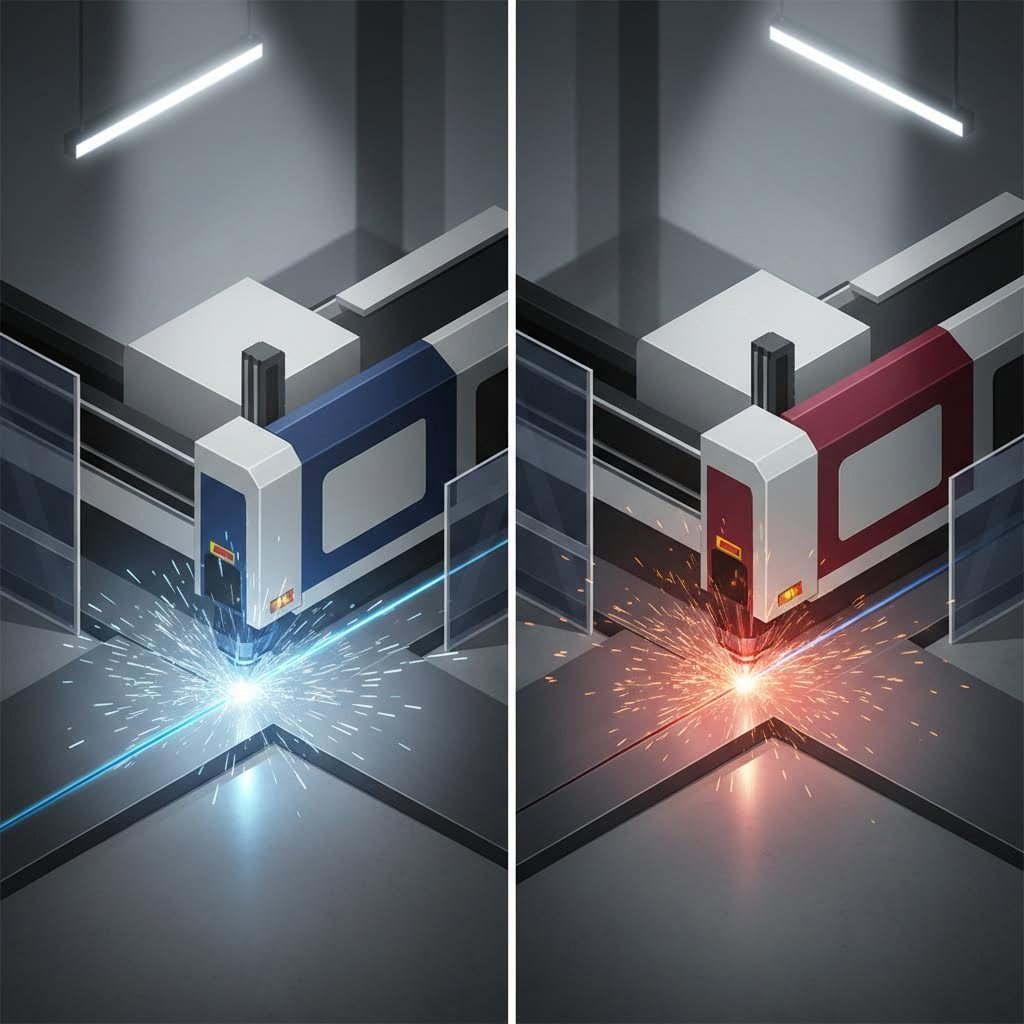
Ngayong naiintindihan mo na kung paano tumutugon ang bakal sa enerhiya ng laser, ang susunod na tanong ay: aling uri ng laser ang dapat mong piliin? Kung nag-research ka man ng anumang makina para sa pagputol ng metal gamit ang laser, malamang na nakaharap ka sa dalawang nangingibabaw na teknolohiya— mga fiber laser at CO2 laser . Pareho ay kayang magputol ng bakal, ngunit ginagawa nila ito sa mga paraang lubos na magkaiba na nakakaapekto sa iyong bilis, gastos, at panghuling resulta.
Narito ang katotohanan: ang mga fiber laser ay humawak na ng humigit-kumulang 60% ng merkado ng metal laser cutting noong 2025, na kadalasang pinalitan ang mga CO2 system sa mga pasilidad sa paggawa ng bakal sa buong mundo. Ngunit ibig bang sabihin nito ay hindi na gumagana ang CO2? Hindi pa rin ganun. Alamin natin nang eksakto kung ano ang nagpapagana sa bawat teknolohiya— at kung kailan mas mahusay ang isang teknolohiya para sa iyong partikular na pangangailangan sa pagputol ng bakal.
Mga Fiber Laser at Kanilang Mga Benepisyo sa Pagputol ng Bakal
Isipin ang mga fiber laser bilang mga atleta ng tumpak na gawaing metal laser cutter. Ang mga solid-state system na ito ay lumilikha ng liwanag sa humigit-kumulang 1064 nm (1.07 µm) na haba ng daluyong gamit ang mga optical fiber na may halo ng rare-earth elements tulad ng ytterbium. Bakit ito mahalaga para sa bakal? Dahil mas epektibo ang pag-absorb ng metal sa mas maikling haba ng daluyong kumpara sa mas mahabang haba ng daluyong ng CO2.
Kapag hinampas ng sinag na 1 µm ang carbon steel o stainless steel, ang rate ng pag-absorb ay malaki nang lampas sa makikita mo gamit ang CO2 laser. Ito ay direktang nangangahulugan ng mas mabilis na bilis ng pagputol—madalas dalawa hanggang limang beses na mas mabilis sa manipis hanggang katamtamang kapal na bakal kumpara sa mga katumbas na makina ng CO2.
Mabilis na tumataas ang mga benepisyo:
- Mas mataas na kahusayan: Ang mga modernong fiber laser ay nakakamit ng 30-50% na kahusayan sa paggamit ng kuryente, nangangahulugan ito na binabago nila ang lakas ng kuryente sa laser power nang may pinakakaunting basura. Ang isang 6 kW na fiber system ay sumisipsip ng humigit-kumulang 22 kW na lakas ng kuryente—kumpara sa 65 kW para sa isang 6 kW na CO2 machine.
- Minimal na Pagpapanatili: Dahil walang salamin, selyadong gas tube, o kumplikadong optical path, ang mga fiber system ay nangangailangan lamang ng $200–$400 taunang pagpapanatili kumpara sa $1,000–$2,000 para sa mga kagamitan na CO2.
- Pinalawak na buhay: Ang diode pump sa fiber laser ay tumatagal ng higit sa 100,000 oras—humigit-kumulang 10 beses na mas matagal kaysa sa mga bahagi ng CO2 laser.
- Husay na hindi maikakaila ng sinag: Ang mga sinag na malapit sa diffraction limit ay gumagawa ng napakaliit na focal spot, na nagbibigay-daan sa mas makitid na kerf, mas tiyak na sukat (±0.05 hanggang ±0.20 mm), at mas malinis na gilid.
Para sa mga shop na nagpoproseso pangunahin ng carbon steel, stainless steel, at aluminum sheet na may kapal na hindi lalagpas sa 20mm, ang fiber laser ay nagbibigay ng nakakaakit na kita. Ipapakita ng pagsusuri sa industriya karaniwang panahon ng pagbabalik-loob na 12-18 buwan, na may kabuuang pagtitipid sa pagmamay-ari na lumalampas sa $520,000 sa loob ng limang taon kumpara sa mga sistema ng CO2.
Kailan Pa Rin Nakakabisa ang CO2 Lasers para sa Bakal
Ang pamumuno ba ng fiber ay nangangahulugan na ang iyong umiiral na makina ng CO2 laser para sa pagputol ng metal ay nararapat na sa museo? Hindi kinakailangan. Ang mga CO2 lasers—na gumagana sa haba ng daluyong na 10.6 µm—ay nagpapanatili ng tiyak na mga kalamangan na nagpapanatili sa kanilang kahalagahan para sa ilang aplikasyon sa bakal.
Isaalang-alang ang proseso ng makapal na plaka. Bagama't kayang putulin ng mga fiber laser ang carbon steel hanggang 100mm gamit ang mataas na kapangyarihan, ang mga CO2 laser ay madalas na nagbibigay ng mas mahusay na kalidad ng gilid sa mga bahagi na lalampas sa 25mm. Ang mas mahaba na haba ng daluyong ay lumilikha ng iba't ibang thermal dynamics na inihahambing ng ilang operator para sa mabibigat na structural steel fabrication.
Ang mga CO2 system ay nakikilala rin kapag ang iyong workflow ay kasama ang mga hindi metal na materyales. Kung ikaw ay nagpo-proseso ng acrylic, kahoy, katad, o plastik kasabay ng iyong gawaing bakal, ang CO2 laser para sa mga cutting machine ay nagbibigay ng versatility na nagpapatuwad sa kanilang pagkakaroon. Ang 10.6 µm na wavelength ay epektibong nakikipag-ugnayan sa mga organic na materyales na mahirap linisin ng fiber laser.
Dagdag pa rito, ang mas mababang paunang gastos ng CO2 equipment—na minsan ay 5 hanggang 10 beses na mas murang kaysa sa katumbas na fiber system—ay nagiging accessible ito para sa mga maliit na shop o espesyalisadong aplikasyon sa makapal na plato kung saan mas mahalaga ang kalidad ng gilid kaysa bilis ng pagputol.
Kumpletong Paghahambing ng Teknolohiya para sa Pagputol ng Bakal
Nais mo nang makita kung paano nagsusukat ang mga teknolohiyang ito sa bawat sukatan na mahalaga para sa pagputol ng bakal gamit ang laser? Ang komprehensibong paghahambing na ito ay sumasaklaw sa mga salik na direktang nakakaapekto sa kalidad ng iyong produksyon at kita:
| Parametro | Fiber Laser | Co2 laser |
|---|---|---|
| Wavelength | 1064 nm (1.07 µm) | 10,600 nm (10.6 µm) |
| Steel Absorption Rate | Mataas—mahusay na sinisipsip ng mga metal ang 1 µm na liwanag | Mas mababa—mas mahabang haba ng alon ay mas higit na sumasalamin mula sa mga metal na ibabaw |
| Bilis ng Pagputol (Manipis na Bakal <6mm) | 3-5x na mas mabilis kaysa katumbas na CO2 power | Basehan ng bilis |
| Bilis ng Pagputol (Makapal na Bakal >20mm) | Katulad, na papaliit ang bentahe sa bilis | Mapagkumpitensya, madalas na ginustong para sa kalidad ng gilid |
| Pinakamataas na Pinakamataas na Pinakamataas na Pinakamataas na Pinakamataas na Pinakamataas | Hanggang 100mm (carbon steel) na may mataas na kapangyarihan na sistema | 100mm+ na may oxygen assist |
| Kalidad ng GIlid (Manipis na Materyales) | Mahusay—makitid na kerf, minimum na taper | Mabuti—bahagyang mas malawak na kerf |
| Kalidad ng Gilid (Makapal na Materyales) | Mabuti | Madalas na mas mahusay sa mga bahagi na 25mm pataas |
| Kahusayan sa Kuryente | 30-50% wall-plug efficiency | 10-15% kahusayan |
| Pagkonsumo ng Kuryente (6kW Output) | ~22 kW na pagguhit ng kuryente | ~65 kW na pagguhit ng kuryente |
| Taunang Gastos sa Pagpapanatili | $200-400 | $1,000-2,000 |
| Kabuhayan ng komponente | 100,000+ oras (diode pumps) | ~10,000-25,000 oras |
| Paunang Gastos sa Kagamitan | 5-10 beses na mas mataas kaysa katumbas na CO2 | Mas mababang paunang pamumuhunan |
| Kakayahang Puminta sa Metal | Mahusay—nakakapagtrabaho sa aluminum, tanso, at brass | Mahirap—mga isyu sa pagrereflect sa mga metal na ito |
| Karaniwang Panahon ng ROI | 12-18 Bulan | 24-30 buwan |
Ang datos ay nagkukuwento ng malinaw na mensahe para sa karamihan ng mga aplikasyon ng metal cutting laser machine: ang fiber lasers ang nangunguna sa pagpoproseso ng bakal na may kapal na under 20mm, na nag-aalok ng mas mabilis na bilis, mas mababang operating cost, at higit na tumpak. Gayunpaman, hindi laging simple ang desisyon.
Kung regular kang gumagawa ng makapal na istrukturang bakal na mahigit 25mm kung saan ang kalidad ng gilid ay mas mahalaga kaysa sa bilis, o kung pinoproseso mo ang pinaghalong materyales kabilang ang mga di-metal, ang CO2 teknolohiya ay nagtataglay pa rin ng tunay na halaga. Ang merkado ng metal laser cutter ay umunlad patungo sa pamumuno ng fiber, ngunit ang matalinong mga tagagawa ay inaayon ang kanilang napiling teknolohiya sa kanilang partikular na halo ng produksyon.
Ang pag-unawa sa mga pagkakaiba-iba na ito ay nagpo-position sayo upang magdesisyon nang may kaalaman—ngunit ang uri ng laser ay isa lamang saligan. Ang grado ng bakal na iyong tinatapos ay nagdudulot din ng sariling hanay ng mga hamon at isyu na direktang nakaaapekto sa iyong resulta.
Aling Mga Grado ng Bakal ang Pinakamainam para sa Laser Cutting
Pinili mo na ang uri ng iyong laser—ngunit narito ang kadalasang nililimutan ng mga tagagawa: ang grado ng bakal na nasa iyong cutting table ay kasinghalaga rin ng kahusayan ng kagamitang gumagawa rito. Hindi pare-pareho ang reaksiyon ng lahat ng uri ng bakal sa enerhiya ng laser. May ilan na malinis na napuputol gamit ang minimum na pagbabago sa parameter, samantalang ang iba ay nangangailangan ng espesyal na teknik o nagdudulot ng hindi kalugod-lugod na problema sa kalidad.
Bakit ito nangyayari? Ito ay nauuwi sa kemikal na komposisyon. Ang laman ng carbon, mga elemento ng alloy, at kondisyon ng surface ay nakakaapekto sa kahusayan ng pagbabad ng sinag ng laser at paghiwalay sa materyales. Pananaliksik mula sa TWI nagpapatunay na ang komposisyon ng materyales ay may mas malaking epekto sa kabuuang kalidad ng laser cut kaysa sa pinagsamang epekto ng makina ng laser cutting at operator—ang saklaw ng kalidad ng putol para sa iba't ibang komposisyon ng materyales ay dalawang beses na mas malaki kumpara kapag ang magkaparehong materyales ay pinroseso ng iba't ibang operator sa iba't ibang makina.
Tingnan natin nang eksakto kung aling mga grado ang nagbibigay ng pinakamainam na resulta at alin ang nangangailangan ng espesyal na pangangasiwa.
Mga Haluang Metal na Bakal na Nakakaputol Parang Mantikilya
Kung naghahanap ka ng maasahang, mataas na kalidad na pagputol nang may pinakakaunting gulo, ang mga kategorya ng bakal na ito ang dapat mong unahin. Nag-aalok sila ng perpektong kombinasyon ng mga katangian termal, pare-parehong komposisyon, at katangian ng ibabaw na lubos na gusto ng mga laser system.
Malambot na bakal at bakal na mababa ang nilalaman ng carbon ituring ang mga ito bilang pamantayan sa pagputol ng bakal gamit ang laser. Ang mga grado tulad ng S275 at S355—na karaniwang ginagamit na istruktural na bakal—ay may nilalaman ng carbon na karaniwang nasa ilalim ng 0.25%, na naglilikha ng mas mapagbigay na window sa proseso. Ang kanilang maasahang ugali sa init ay nangangahulugan na maari kang makakuha ng malinis na pagputol sa saklaw ng kapal mula 0.5mm hanggang 30mm gamit ang angkop na kagamitan.
Ano ang nagpapagawa sa mga grado na ito na lubhang mapag-ugnayan? Ang kanilang medyo pare-parehong komposisyon ay nangangahulugan ng mas kaunting pagkabigla habang pinuputol. Ang bakal-karbon matrix ay sumisipsip ng laser energy nang pare-pareho, lumilikha ng matatag na natunaw na pool na maayos na nalilinis gamit ang tulung-tulong gas. Mapapansin mo ang makinis na gilid ng mga hiwa na may pinakakaunting dross kapag tama ang mga parameter.
Dapat bigyan ng espesyal na pagbanggit ang CR4 (Cold Reduced Grade 4) na bakal para sa mga aplikasyon na manipis ang guhit. Ito na cold-rolled material ay mayroon napakaindig na surface finish na nagpapahusay sa kalidad ng gilid ng hiwa—lalo na mahalaga sa automotive body panel at mga nakikitang bahagi kung saan ang hitsura ay kasinghalaga ng pagganap.
Gabay sa Kaukulang Bakal na Grado
Nais mo bang makita kung paano nagsisilbing iba't ibang uri ng bakal para sa proseso ng laser? Ang komprehensibong pagsusuri na ito ay nag-uuri ng karaniwang mga grado batay sa kanilang pag-uugali sa pagputol ng laser:
| KATEGORYA | Mga Uri ng Bakal | Nilalang na carbon | Pag-uugali sa Pagputol gamit ang Laser | Inirerekomendang Saklaw ng Kapal |
|---|---|---|---|---|
| Ideal | Mild steel (S275, S355), Low-carbon steel, CR4 | <0.25% | Malinis na mga hiwa, malawak na saklaw ng proseso, maasahan ang resulta | 0.5mm - 30mm |
| Ideal | Mga bakal na grado ng laser (optimal na komposisyon) | 0.09-0.14% | Pinahusay na kalidad ng gilid, mas mataas na bilis ng pagputol ang posible | 3mm - 30mm |
| Katanggap-tanggap | 304 Stainless Steel (Austenitic) | <0.08% | Magandang kakayahang maputol, nangangailangan ng nitrogen assist para sa paglaban sa korosyon | 0.5mm - 30mm |
| Katanggap-tanggap | 316 Stainless Steel (austenitic) | <0.08% | Katulad ng 304, bahagyang nakakaapekto ang nilalaman ng molybdenum sa thermal na pag-uugali | 0.5mm - 25mm |
| Katanggap-tanggap | 430 Stainless Steel (ferritic) | <0.12% | Mabuting pagputol ngunit mas madaling matigas ang gilid | 0.5mm - 20mm |
| Katanggap-tanggap | Zintec (zinc-coated cold-rolled) | Mababa | Magagandang resulta, ang zinc coating ay nagbibigay ng proteksyon laban sa korosyon habang pinuputol | 0.7mm - 3mm |
| Katanggap-tanggap | Galvanized steel | Mababa | Nangangailangan ng fume extraction, nakakaapekto ang zinc layer sa kemikal na komposisyon ng gilid | 0.7mm - 5mm |
| Problemado | Mataas na silicon na bakal (>0.4% Si) | Nag-iiba-iba | Pabuting kalidad ng kabuuang ngunit nabawasan ang kahusayan ng gilid | Nangangailangan ng pagbabago sa mga parameter |
| Problemado | Mabigat na pinahiran/nakapinta na bakal | Nag-iiba-iba | Ang mga coating ay lumilikha ng usok, nagdudulot ng kontaminasyon sa mga gilid ng putol, at binabawasan ang kalidad | Kailangan ng paghahanda ng ibabaw |
| Problemado | Ibabaw na hinipo ng shot-blast | Nag-iiba-iba | Mas magaspang na gilid kumpara sa mill-scale o machined surfaces | Tanggapin ang pagkakaiba sa kalidad o ihanda ang surface |
Pagputol ng Stainless Steel gamit ang Laser: Pag-unawa sa mga Pagkakaiba ng Grade
Ang pagputol ng stainless steel gamit ang laser ay isa sa mga pinakakaraniwan—at minsan, pinakamalito—na aplikasyon sa paggawa ng metal. Oo, maari mo talagang putulin ang stainless steel gamit ang laser na may mahusay na resulta, ngunit hindi lahat ng grade ay kumikilos nang magkapareho.
304 Stainless Steel (na naglalaman ng humigit-kumulang 18% chromium at 8% nickel) ang siyang pangunahing ginagamit sa pagputol ng stainless steel gamit ang laser. Ang itsura nitong austenitic ang nagbibigay ng mahusay na kakayahang putulin, at dahil malawak ang availability nito, ito ang karaniwang pinipili para sa mga kagamitan sa pagproseso ng pagkain, arkitekturang elemento, at pangkalahatang fabrications. Kapag kailangan mong putulin ang stainless steel gamit ang laser para sa mga aplikasyong lumalaban sa corrosion, ang 304 ay karaniwang nagbibigay ng pinakamahusay na balanse ng performance at gastos.
tanso ng 316 nagdaragdag ng molybdenum sa halo (karaniwang 2-3%), na nagpapahusay sa paglaban sa korosyon—lalo na laban sa chlorides at mga marine na kapaligiran. Para sa stainless laser cutting, ang 316 ay kumikilos nang katulad sa 304 ngunit may bahagyang iba't ibang thermal characteristics dahil sa nilalamang molybdenum. Inaasahan ang katulad na kalidad ng putol kapag gumagamit ng nitrogen bilang iyong assist gas.
Ang pinakamahalagang salik para sa laser cutting ng ss grades? Pagpili ng assist gas. Hindi tulad ng carbon steel (kung saan maaaring mapalakas ng oxygen ang pagputol sa pamamagitan ng exothermic reaction), karaniwang kailangan ng nitrogen ang stainless steel upang mapanatili ang chromium oxide layer na nagbibigay ng proteksyon laban sa korosyon. Ang mga putol na may oxygen-assisted ay nag-iwan ng oxidized edges na sumisira sa protektibong katangian ng materyal.
Mga Problemang Steel Grade at Kung Paano Haharapin ang mga Ito
Ang ilang uri ng bakal ay lumalaban. Ang pag-unawa kung bakit mahirap ang ilang grade—at kung anong mga pagbabago ang makakatulong—ay nakakatipid sa iyo sa mga hindi tinanggap na parte at nasayang na materyales.
Nilalaman ng Silicon nagpapakita ng kakaibang kalakip. Ang pananaliksik ng TWI ay nakilala ang silicon bilang pinakamahalagang elemento na nakakaapekto sa kalidad ng gilid ng laser cut. Narito ang punto: mas mataas na silicon ay nagpapabuti sa surface roughness (mas makinis na putol) ngunit negatibong nakakaapekto sa kahalagang parisukat ng gilid. Kung ang iyong bakal ay naglalaman ng higit sa 0.4% na silicon, inaasahan ang pagbabago sa iyong mga parameter o tanggapin ang ilang kompromiso sa dimensyonal na akurasya.
Mga lubhang napamura o napinturahan na bakal nagdudulot ng maraming problema. Ang patong ay umuusok habang pinuputol, na nagbubuga ng usok na maaaring magdulot ng kontaminasyon sa gilid ng putol at optics. Ang pintura at pulbos na patong ay madalas na naglalaman ng mga compound na hindi maayos na reaksyon sa enerhiya ng laser. Para sa malinis na resulta, tanggalin ang mga patong mula sa landas ng pagputol bago prosesuhin.
Galvanized at zinc-coated na materyales nangangailangan ng maingat na paghawak. Habang matagumpay na mapuputol ang Zintec at galvanized steel (karaniwan sa saklaw na 0.7mm hanggang 5mm), ang layer ng sosa ay nag-evaporate sa mas mababang temperatura kaysa sa substrate ng bakal. Lumilikha ito ng usok na may sosa na nangangailangan ng tamang sistema ng pag-alis at maaaring makaapekto sa kemikal na komposisyon ng gilid. Katanggap-tanggap pa rin ang mga resulta sa karamihan ng aplikasyon, ngunit dapat maintindihan ang mga kalakip na kompromiso.
Ano naman ang tungkol sa pagputol ng aluminum gamit ang laser at iba pang salamin na materyales? Bagama't nakatuon ang gabay na ito sa bakal, nararapat tandaan na lubhang magkakaiba ang mga pagsasaalang-alang para sa mga materyales tulad ng aluminum. Maaari mong maputol nang epektibo ang aluminum gamit ang fiber laser (na mas mahusay sa pagproseso ng salamin na metal kaysa CO2), ngunit iba ang mga parameter ng proseso kumpara sa mga aplikasyon sa bakal.
Mga Kailangan sa Paghahanda ng Ibabaw Ayon sa Kategorya
Direktang nakakaapekto ang kondisyon ng ibabaw ng iyong bakal sa kalidad ng pagputol—minsan nang higit kaysa sa inaasahan mo. Narito ang mga kailangan ng bawat kategorya:
Para sa Pinakamainam na Uri ng Bakal (Mild Steel, Low-Carbon):
- Maaaring manatili ang mill scale—nagpapakita ang pananaliksik na walang malaking epekto sa kalidad ng laser cutting kahit hindi tanggalin ang layer ng mill scale
- Tiyakin na patag ang materyales at malinis mula sa malubhang kalawang o matinding kontaminasyon
- Tinatanggap ang magaan na oxidasyon sa ibabaw para sa oxygen-assisted cutting
- Itago nang maayos ang mga materyales upang maiwasan ang pag-iral ng kahalumigmigan at labis na corrosion
Para sa Katanggap-tanggap na Mga Barianteng Bakal (Stainless Steel, Coated Steels):
- Alisin ang protektibong pelikula bago putulin upang maiwasan ang usok at kontaminasyon sa gilid
- Para sa bakal na hindi kinakalawang, tiyakin na malinis ang mga ibabaw at malaya sa langis o lubricants
- Kailangan ng sapat na bentilasyon at pagkuha ng usok para sa mga galvanized na materyales
- I-verify ang bigat ng zinc coating sa galvanized steel—mas mabigat ang coating, mas maraming lumalabas na usok
- Isaalang-alang ang kalidad ng gilid kapag pumipili sa pagitan ng coated at uncoated na materyales
Para sa Mga Problemang Baitang:
- Iwasan ang shot blasting sa mga surface bago i-laser cut—ayon sa pananaliksik ng TWI, ang shot blasting ay nagbubunga ng mas magaspang na gilid kapag laser-cut kumpara sa as-rolled o machined na surface
- Alisin ang pintura, powder coating, at mabibigat na coating sa mga lugar na tatanggalin
- Para sa mataas na silicon na bakal, subukan muna ang sample ng pagputol upang matukoy ang pinakamainam na parameter bago ang produksyon
- Itala ang matagumpay na setting para sa hinaharap na sanggunian kapag may mga hamong materyales
Ang pag-alam kung aling mga baitang ng bakal ang malinis na napuputol—at alin ang nangangailangan ng dagdag na atensyon—ay nagpo-position sa iyo para sa tagumpay. Ngunit ang pagpili ng grado ay bahagi lamang ng ekwasyon. Ang kapal ng iyong bakal ay nagpapakilala ng isa pang mahalagang variable na direktang nagdedetermina kung aling antas ng lakas ng laser at diskarte sa pagputol ang gagana para sa iyong proyekto.
Mga Limitasyon sa Kapal ng Bakal at Mga Kailangang Lakas ng Laser
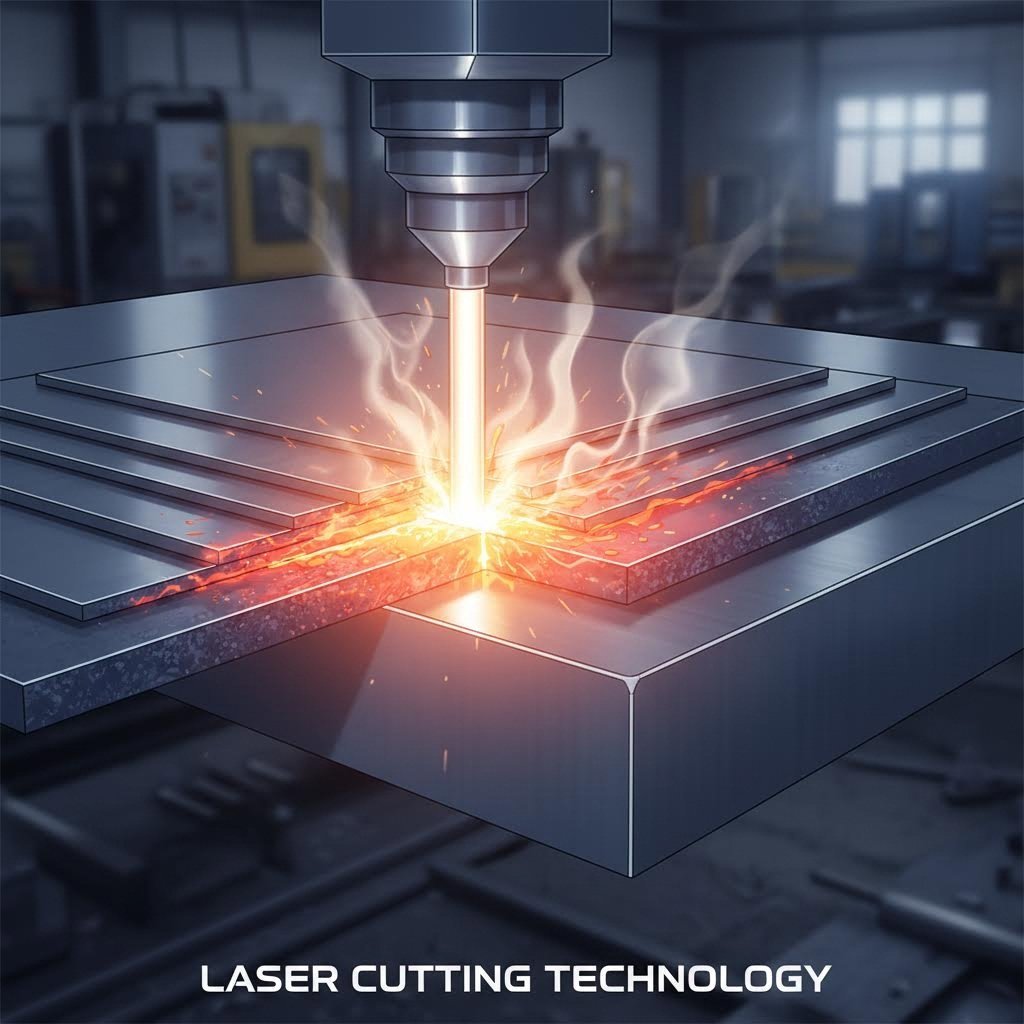
Pinili mo na ang grado ng bakal at uri ng laser—ngunit narito ang tanong na magdedesisyon sa tagumpay o kabiguan ng iyong proyekto: kayang talasan ng iyong laser ang kapal ng iyong materyales? Hindi lang ito teoretikal na isyu. Madalas natutuklasan ng mga pabrika na ang "pinakamataas na kapal" na nakasaad sa mga brochure ay bahagi lamang ng kuwento.
Narito ang alam ng mga may karanasang tagagawa: tatlong iba't ibang antas ng kapal ang dapat mong maunawaan—ang ganap na pinakamataas (posible ngunit hindi praktikal), ang pinakamataas na kalidad (tanggap-tanggap ang kalidad ng gilid), at ang pinakamataas na produksyon (kung saan kumikita ka nang may pare-parehong resulta). Ang karamihan sa mga mapagkakakitaang operasyon sa pagputol ng sheet metal gamit ang laser ay nakatuon sa ikatlong kategorya.
Tingnan natin nang eksakto kung ano ang kayang gawin ng iyong laser cutter para sa sheet metal—at kailan kailangan mong isaalang-alang ang mga alternatibo.
Pinakamataas na Kapal ng Pagputol Ayon sa Lakas ng Laser
Gaano kapal ang kayang i-cut ng fiber laser? Ang tapat na sagot ay nakadepende sa lakas ng laser, uri ng materyal, cutting gas, at antas ng kalidad na kailangan mo. Ngunit kailangan mo ng tiyak na numero upang maplano ang iyong mga proyekto. Ang komprehensibong tsart na ito ay nagpapakita ng realistiko nitong kakayahan sa kapal sa bawat antas ng lakas para sa pagputol ng metal sheet:
| Kapangyarihan ng Laser | Carbon Steel (O₂ Assist) | Stainless Steel (N₂ Assist) | Aluminum (N₂ Assist) | Pinakamahusay na Aplikasyon na Focus |
|---|---|---|---|---|
| 1-2 kW | Hanggang 10mm | Hanggang 5mm | Hanggang 4mm | Produksyon ng manipis na sheet, mataas na bilis na proseso |
| 3 KW | Hanggang 16mm | Hanggang 8mm | Hanggang 6mm | Unang "seryosong" industrial laser para sa maraming shop |
| 6 kw | Hanggang 22mm | Hanggang 12mm | Hanggang 10mm | Pinakamahusay na long-term ROI para sa pangkalahatang fabricasyon |
| 10-12 kW | Hanggang 30mm | Hanggang 20mm | Hanggang 16mm | Makapal na plaka bilang pangunahing negosyo, hindi paminsan-minsang trabaho |
| 15-20 kW | Hanggang 50mm | Hanggang 30mm | Hanggang 25mm | Mabigat na istrukturang bakal, espesyalisadong trabaho sa makapal na plaka |
| 30 kW pataas | Hanggang 100mm | Hanggang 50mm | Hanggang 40mm | Espesyal na aplikasyon para sa napakakapal |
Napansin mo ba ang isang mahalagang bagay? Ang carbon steel ay nagpapakita palagi ng mas mataas na kapasidad sa kapal kaysa sa stainless o aluminum sa magkatumbas na antas ng lakas. Bakit? Kapag pinuputol ang carbon steel gamit ang oxygen bilang tulung-tulong gas, mayroong eksotermikong reaksyon—ang oxygen mismo ay talagang tumutulong sa pagsunog sa materyales. Ayon sa pagsusuri sa industriya , ang oxygen ay gumagawa ng humigit-kumulang 60% ng gawain sa pagputol ng bakal, kaya mas malaki ang limitasyon ng kapal na maaaring maabot.
Ang stainless steel at aluminum ay gumagamit ng nitrogen bilang tulung-tulong gas (isang protektibong gas na nagbabawal sa oksihenasyon), nangangahulugan ito na ang laser ang kailangang gawin halos lahat ng gawain nang mag-isa. Kaya nga ang magkatumbas na antas ng lakas ay nagbubunga ng lubhang iba't ibang resulta sa maximum na kapal depende sa materyales.
Paano Nakaaapekto ang Pagpili ng Tulung-tulong Gas sa Iyong Kakayahan sa Kapal
Ang pagpili sa pagitan ng oxygen at nitrogen ay hindi lang tungkol sa kalidad ng gilid—direktang nakadepende dito kung gaano kalapad ang maaari mong putulin. Ang pag-unawa sa relasyong ito ay makatutulong upang maisabay ang kakayahan ng iyong sheet metal laser cutting machine sa mga pangangailangan ng iyong proyekto.
Pagputol na may tulong ng oxygen (carbon steel):
- Nagbibigay-daan sa maximum na pagputol na 30-50% mas makapal kumpara sa nitrogen sa parehong materyales
- Lumilikha ng eksotermik na reaksyon na nagdaragdag ng enerhiya sa pagputol
- Nagpapalabas ng oxide layer sa gilid ng pinutol—katanggap-tanggap para sa maraming istrukturang aplikasyon
- Ang pagkonsumo ng gas ay 10-15 beses na mas mababa kumpara sa nitrogen, kaya nababawasan ang mga gastos sa operasyon
- Ang bilis ay limitado ng proseso ng pagsunog, hindi ng lakas ng laser (ang 1500W at 6000W laser ay nagpuputol ng manipis na bakal sa magkatulad na bilis gamit ang oxygen)
Pagputol na may tulong ng nitrogen (stainless steel, aluminum, o premium na gilid ng carbon steel):
- Naglalabas ng mga gilid na walang oxide na handa nang i-weld o i-powder coat nang walang karagdagang operasyon
- Ang bilis ng pagputol ay direktang nauugnay sa lakas ng laser—mas maraming watts, mas mabilis ang proseso
- Mas mababa ang maximum na kapal kumpara sa paggamit ng oxygen sa carbon steel
- Mas mataas na pagkonsumo ng gas ang nagpapataas sa mga gastos sa operasyon habang tumitindi ang kapal
- Mahalaga para mapanatili ang kakayahang lumaban sa korosyon sa mga hiwa ng stainless steel
Sa manipis na bakal, kung ang gumagamit ng laser ay makapagpapabilis ng proseso at makakagawa ng mas maraming bahagi na may mas mahusay na kalidad sa parehong presyo o bahagyang mas mataas na gastos, dapat lubos na isaalang-alang ang nitrogen bilang assist gas.
Ano ang praktikal na implikasyon? Kung nagpo-proseso ka ng bakal na hindi lalagpas sa 6mm at kailangan mo ng mga gilid na handa nang ipinta, ang nitrogen ay isang matalinong pagpipilian anuman ang mas mataas na gastos sa gas. Para sa makapal na istrukturang carbon steel kung saan hindi gaanong mahalaga ang hitsura kumpara sa pagbabad, ang oxygen ay malaki ang maidudulot sa maximum na kakayahan.
Kapag Napakakapal na ang Iyong Bakal para sa Laser
Narito ang isang katotohanan na hindi sasabihin ng mga marketing brochure: bagaman kaya ng isang laser maaari putulin ang isang tiyak na kapal, hindi ibig sabihin nito na dapat . Ang pagpilit sa limitasyon ng kapal ay magdudulot ng tunay na epekto sa produksyon.
Kapag lumapit ka sa maximum na kapal sa anumang operasyon ng pagputol ng metal na bakal gamit ang laser, asahan mo ang mga sumusunod na kompromiso:
- Masakit na mabagal na bilis ng pagputol: Ang kapal ay palaging isinasakripisyo ang bilis para sa katatagan—maaaring tumaas ang oras ng produksyon ng 5-10 beses kumpara sa optimal na saklaw ng kapal
- Dagdag na kabagsikan sa gilid: Mas lumitaw ang pagkabuo ng dross, striations, at iba't ibang hindi regular na surface
- Mas mataas na paggamit ng gas: Ang makapal na plato ay nangangailangan ng mas mataas na presyon at daloy ng tulung-tulong gas
- Mas malaking heat-affected zones: Mas maraming thermal energy input ang nangangahulugang mas malaki ang potensyal para sa pagkurba o pagbabago sa metalurhiya
- Mas mababa ang pagkakapare-pareho: Sa pinakamataas na limitasyon, ang maliliit na pagbabago sa parameter ay nagdudulot ng malalaking pagbabago sa kalidad
Kailan tumitigil ang laser cutting sa pagiging makatuwiran? Isaalang-alang ang mga alternatibo kapag:
- Ang iyong carbon steel ay lalampas sa 30-35mm at kailangan mo ng throughput na katumbas ng produksyon
- Mahalaga ang kalidad ng gilid sa mga materyales na malapit sa pinakamataas na kapal
- Mas mahalaga ang bilis ng pagputol kaysa sa katumpakan sa trabaho sa mabibigat na plato
- Ang kakayahan ng iyong laser cutting machine sa sheet metal ay hindi sapat upang maabot ang kinakailangang kapal
Para sa mga sitwasyong ito, maaaring magdala ng mas magandang resulta ang plasma cutting (epektibo sa makapal na plato), waterjet cutting (walang heat-affected zone), o oxy-fuel cutting (matipid para sa napakakapal na carbon steel). Ang matalinong mga tagagawa ay inaangkop ang proseso sa gawain imbes na pilitin ang bawat proyekto sa iisang teknolohiya.
Mga Praktikal na Implikasyon para sa Pagpaplano ng Proyekto
Nais mo nang ilapat ang mga parameter ng kapal sa iyong aktuwal na proyekto? Narito ang ibig sabihin ng mga numero para sa iyong desisyon sa produksyon:
- Para sa pang-araw-araw na produksyon, tumuon sa 80% ng maximum na kapal: Kung ang iyong 6kW laser ay may maximum na 22mm na pagputol sa carbon steel, plano ang produksyon sa paligid ng 16-18mm para sa pare-parehong kalidad at bilis
- Iangkop ang lakas sa karaniwang workload: Maraming mga pabrika ang nakakamit ng pinakamahusay na ROI sa 3-12mm araw-araw na hanaypagbili ng 20kW na kapasidad para sa paminsan-minsang mga trabaho sa makapal na plato ay madalas na nagbibigay ng mahinang mga pagbabalik
- Ang mga gastos sa gas ay tinutulungan ng badyet nang makatotohanang paraan: Ang pagkonsumo ng nitrogen ay tumataas nang makabuluhang may kapal ng tabafactor ito sa pagpepresyo sa bawat bahagi
- Magplano para sa mga pangalawang operasyon kapag lumampas sa mga limitasyon: Ang mga hiwa na malapit sa pinakamataas na kapal ay maaaring mangailangan ng pag-aalay, pag-aalis ng balat, o iba pang pagtatapos bago magtipon
- Isaalang-alang ang outsourcing ng matinding kapal: Kung minsan ay nagpipinsala ng 30mm+ plate? Ang outsourcing ay maaaring mas mura kaysa sa pagmamay-ari ng kagamitan na may sukat para dito
Ang pag-unawa sa mga limitasyong ito sa kapal ay nagbibigay-daan sa iyo na tukuyin ang makatotohanang mga kinakailangan at pumili ng angkop na kagamitan. Ngunit ang kapal ay isa lamang variable sa pagputol ng katumbas. Paano ikukumpara ang teknolohiya ng laser sa mga pamamaraan ng plasma, waterjet, at mekanikal kapag isinasaalang-alang ang lahat ng kadahilanan?
Laser vs. Plasma vs. Waterjet para sa Pagputol ng Steel
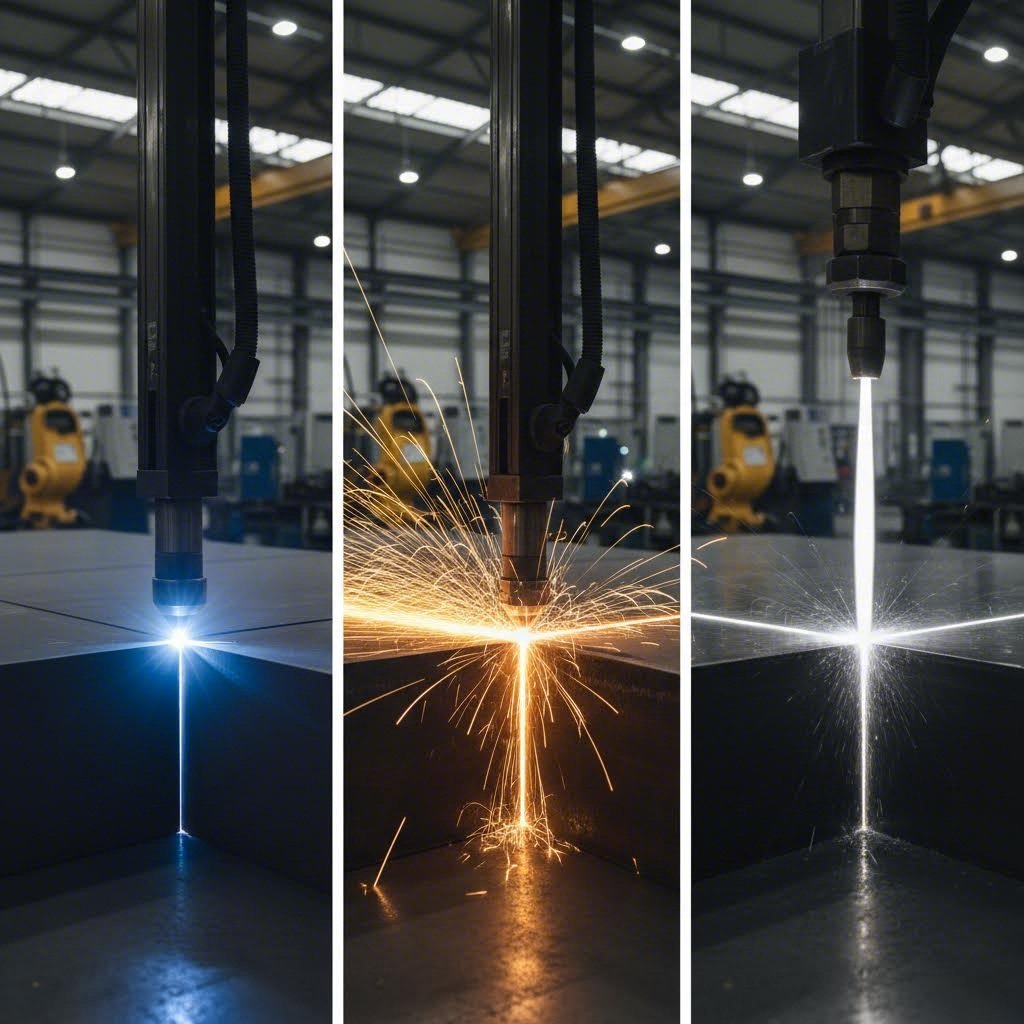
May bakal kang dapat putulin—ngunit ang teknolohiyang laser ay hindi lang ang opsyon mo. Habang hinahanap mo ang plasma cutting malapit sa akin o sinusuri ang mga serbisyo ng waterjet, nakaharap ka sa isang desisyon na nakakaapekto sa kalidad, oras, at badyet ng iyong proyekto. Ang hamon? Karamihan sa mga paghahambing ay dumaan nang mabilis sa mga partikular na pagkakaiba na mahalaga para sa mga aplikasyon sa bakal.
Ito ang alam ng mga may karanasang tagapagfabricate: bawat pamamaraan ng pagputol ay mahusay sa iba't ibang sitwasyon. Ang cnc plasma cutter ay nangingibabaw sa makapal na istrukturang bakal kung saan ang bilis ang higit na mahalaga kaysa sa katumpakan. Ang waterjet ay nagpapanatili ng mga katangian ng materyales kapag hindi katanggap-tanggap ang pinsala dulot ng init. Ang mga mekanikal na pamamaraan ay may kabuluhan pa rin sa ilang aplikasyon. At ang laser cutting? Ito ay nasa tamang punto na madalas—ngunit hindi laging—nagbibigay ng pinakamainam na balanse para sa mga proyektong bakal.
Suriin natin nang eksakto kung paano gumaganap ang mga teknolohiyang ito sa pagputol ng bakal, upang maipares mo ang tamang pamamaraan sa iyong tiyak na pangangailangan.
Apat na Teknolohiyang Pagputol na Nagtatagpo sa Bakal
Mukhang kumplikado? Hindi naman dapat. Ang bawat teknolohiya ay gumagana batay sa mga pangunahing iba't ibang prinsipyo na lumilikha ng mga inaasahang kalakasan at limitasyon sa pagputol ng bakal.
Laser Cutting nagtutuon ng matinding enerhiya ng liwanag upang patunawin o i-evaporize ang bakal kasama ang isang naprogramang landas. Tulad ng aming tinalakay sa buong gabay na ito, nagbibigay ang prosesong termal na ito ng hindi pangkaraniwang presisyon sa manipis hanggang katamtamang mga sheet ng bakal, na may bilis ng pagputol na ginagawa itong ekonomikong kaakit-akit para sa mga volume ng produksyon.
Pagputol ng plasma gumagamit ng electric arc at nakapipigil na gas upang lumikha ng isang sobrang mainit na plasma jet— na umabot sa temperatura na mahigit 30,000°F —na tumatunaw sa pamamagitan ng mga conductive metal. Isipin ang isang plasma cutter bilang isang mainit na kutsilyo na idinisenyo partikular para sa makapal na plate ng bakal. Pinagsasama ng modernong CNC plasma table system ang hilaw na kapangyarihan ng pagputol na ito sa kontrol ng kompyuter para sa mga resulta handa na sa produksyon.
Waterjet Cutting gumagamit ng ganap na iba't ibang paraan: pinaghalong mataas na presyur ng tubig at mga maliit na abrasive na partikulo ang nagpuputol sa materyales nang walang init. Ang prosesong ito ng malamig na pagputol ay ganap na nag-aalis ng heat-affected zones—napakahalaga kapag ang mga katangian ng materyal ay dapat manatiling pareho. Ayon sa mga hula sa industriya, aabot ang merkado ng waterjet ng mahigit $2.39 bilyon sa loob ng 2034, isang palatandaan ng lumalaking pangangailangan sa kakayahan ng pagputol na walang init.
Mechanical Cutting (pagpuputol gamit ang gunting, lagari, o punching) ay umaasa sa pisikal na puwersa upang hiwalayin ang materyales. Bagaman mas hindi kagaya ng thermal o abrasive na pamamaraan, ang mekanikal na pamamaraan ay nananatiling murang solusyon para sa simpleng pagputol, mataas na dami ng blanking operations, at mga sitwasyon kung saan hindi gaanong mahalaga ang kalidad ng gilid kumpara sa bilis ng produksyon.
Kumpletong Paghahambing ng Teknolohiya para sa Mga Aplikasyon sa Bakal
Nakahanda na bang tingnan kung paano nagsisilbing pangingibabaw ang bawat pamamaraan sa lahat ng salik na mahalaga? Ang komprehensibong paghahambing na ito ay nakatuon nang eksakto sa pagganap ng pagputol ng bakal:
| Salik | Laser Cutting | Pagputol ng plasma | Waterjet Cutting | Mechanical Cutting |
|---|---|---|---|---|
| Kalidad ng gilid | Mahusay—makinis na gilid na may minimum na post-processing na kinakailangan | Mabuti—medyo makinis na may kaunting slag sa mga maayos na naitugmang sistema | Mahusay—makinis na tapusin kahit sa makapal na materyales | Nagbabago—nakadepende sa paraan; ang shearing ay lumilikha ng malinis na gilid, ang sawing ay nag-iiwan ng mas magaspang na tapusin |
| Heat-Affected Zone | Minimal—maliit na HAZ dahil sa nakatuon na sinag at mabilis na pagputol | Katamtaman hanggang malaki—ang mataas na temperatura ay lumilikha ng mapapansin na HAZ | Wala—malamig na proseso ng pagputol na ganap na nagpapanatili ng mga katangian ng materyales | Wala—walang thermal input habang nagpuputol |
| Saklaw ng Kapal ng Bakal | 0.5mm hanggang 50mm+ (nakadepende sa lakas); optimal para sa manipis hanggang katamtamang mga sheet | 3mm hanggang 150mm+; mahusay sa makapal na conductive metal | 0.5mm hanggang 300mm+; kayang-gamitin ang kahit anong kapal | Limitado batay sa gamit; karaniwang wala pang 25mm para sa karamihan ng operasyon |
| Tiyak na toleransya | ±0.05 hanggang ±0.20mm—higit na tumpak para sa mga detalyadong hugis | ±0.5 hanggang ±1.5mm—angkop para sa istrukturang gawain, hindi kasing tumpak ng laser | ±0.1 hanggang ±0.25mm—napakataas ng katumpakan, katulad ng laser | ±0.25 hanggang ±1.0mm—nakadepende sa kalagayan ng gamit at materyales |
| Bilis ng Pagputol (Manipis na Bakal) | Napakabilis—nangingibabaw ang fiber lasers sa materyales na nasa ilalim ng 10mm | Mabilis—mapapantayan sa manipis na materyales ngunit mas mabagal kaysa optimal na laser | Mabagal—ang presisyon ay may kasamang pagbabayad sa bilis | Napakabilis—napakabilis ng shearing at punching |
| Bilis ng Pagputol (Makapal na Bakal) | Katamtaman—bumabagal nang malaki habang tumataas ang kapal | Napakabilis—3-4 na beses na mas mabilis kaysa waterjet sa 1" bakal | Mabagal—ngunit pare-pareho ang kalidad anuman ang kapal | Mabilis—mahusay na napoproseso ng pagkikiskisan ang makapal na plaka |
| Kakayahang Gumawa ng Komplikadong Hugis | Mahusay—nakakapagtrabaho sa mga detalyadong disenyo, maliit na butas, manipis na sulok | Maganda—limitado sa napakamaliit na detalye o bahagi | Mahusay—nakakaputol ng anumang hugis nang walang pagbabago sa tooling | Limitado—naipon sa simpleng heometriya |
| Kostong pang-equipment | Mataas—ang mga fiber laser system ay kumakatawan sa malaking pamumuhunan | Katamtaman—humigit-kumulang $90,000 para sa buong sistema | Mataas—humigit-kumulang $195,000 para sa katulad na sistema | Mababa hanggang katamtaman—nag-iiba-iba nang malaki ayon sa uri ng kagamitan |
| Gastos sa Pagpapatakbo bawat Talampakan | Mababa hanggang katamtaman—mahusay na paggamit ng kuryente, nag-iiba ang gastos sa gas | Mababa—murahin ang mga consumables at kuryente | Katamtaman hanggang mataas—nadagdagan ang gastos dahil sa abrasive material | Mababa—kaunti lamang ang kinakailangang consumables sa karamihan ng operasyon |
| Mga Limitasyon sa materyal | Mga metal at ilang di-metal; kailangan ng fiber laser ang mga nakasislabin na metal | Mga konduktibong metal lamang—hindi maaaring i-cut ang kahoy, plastik, o bildo | Halos anumang materyales—mga metal, bato, bildo, komposit | Depende sa gamit na tool; pangunahing mga metal at ilang uri ng plastik |
Kailan Mas Mainam ang Plasma Kaysa Laser para sa Bakal
Kung nagpo-proseso ka ng makapal na istrukturang bakal at naghahanap ng pinakamatipid na paraan, ang plasma cutting table ay karaniwang mas mahusay na opsyon kaysa laser—sa kabila ng mas mataas na presisyon ng laser.
Isaalang-alang ang mga numero: napatunayan ng pagsubok na ang plasma cutting sa 1-pulgadang bakal ay tumatakbo nang humigit-kumulang 3-4 beses na mas mabilis kaysa waterjet, na may operating cost na halos kalahati lamang bawat talampakan. Kumpara sa laser sa mga kapal na ito, ang plasma ay nagpapanatili ng mas mataas na bilis habang binabawasan nang malaki ang gastos sa kagamitan.
Mas mainam ang portable plasma cutter o CNC plasma system kapag:
- Ang kapal ng iyong bakal ay regular na lumalampas sa 12mm (½ pulgada)
- Ang mga toleransya sa gilid na ±0.5mm o mas malaki ay katanggap-tanggap para sa iyong aplikasyon
- Mas mahalaga ang bilis at kapasidad kaysa sa tumpak na pagtapos
- Ang badyet ay pabor sa mas mababang gastos sa kagamitan at operasyon
- Ikaw ay nagpoproseso pangunahin ng structural steel, bahagi ng mabigat na kagamitan, o mga industrial na disenyo
Maraming mga shop sa pagawaan ay sa huli ay gumagamit ng parehong teknolohiya. Ang plasma ay epektibo sa makapal na plato at trabahong estruktural, habang ang laser naman ay nagbibigay ng kinakailangang tumpak para sa detalyadong bahagi, manipis na sheet metal, at mga aplikasyon kung saan mahalaga ang kalidad ng gilid.
Pagpili ng Tamang Paraan para sa Iyong Proyektong Bakal
Kapag tiningnan mo nang buo ang mga teknolohiyang ito batay sa aktwal na pangangailangan ng iyong proyekto, lumilitaw ang malinaw na gabay sa desisyon. Narito kung paano iugnay ang bawat paraan sa nararapat na aplikasyon:
Pumili ng laser cutting kapag:
- Paggamit ng bakal na may kapal na wala pang 20mm kung saan mahalaga ang tumpak
- Ang iyong mga bahagi ay nangangailangan ng malinis na gilid na may pinakakaunti o walang karagdagang pagtatapos
- Ang mga disenyo ay may kasamang mga kumplikadong hugis, maliit na butas, o manipis na sulok
- Tinukoy ang mga toleransya na ±0.1mm o mas masikip
- Ang mga dami ng produksyon ay nagbibigay-katwiran sa pamumuhunan sa kagamitan sa pamamagitan ng bilis at pagkakapare-pareho
- Kailangan mong putulin ang mga kumplikadong bahagi mula sa mga housing ng electronics hanggang sa mga bahagi ng sasakyan
Pumili ng plasma cutting kapag:
- Pagpoproseso ng makapal na konduktibong metal—bakal, aluminum, hindi kinakalawang na asero—higit sa 12mm
- Ang bilis at kahusayan sa gastos ay mas mahalaga kaysa sa pangangailangan ng napakatumpak na gilid
- Pagmamanupaktura ng bakal na istruktural, mga bahagi ng paggawa ng barko, o mabigat na kagamitan
- Ang limitadong badyet ay nangangailangan ng mas mababang pamumuhunan sa kagamitan
- Ang saklaw ng toleransiya ng cnc plasma cutter (±0.5 hanggang ±1.5mm) ay tugma sa iyong mga espesipikasyon
Pumili ng waterjet cutting kapag:
- Hindi ganap na katanggap-tanggap ang mga heat-affected zone—mga bahagi ng aerospace, mga pinainit na materyales
- Dapat manatiling ganap na hindi nagbago ang mga katangian ng materyales pagkatapos putulin
- Pagputol ng mga di-metal kasama ang bakal—bato, bubog, komposit, seramika
- Mahalaga ang tumpakness sa napakakapal na materyales kung saan bumababa ang kalidad ng laser
- Paggamit ng mga haluang metal na sensitibo sa init o espesyal na bakal
Pumili ng mekanikal na pagputol kapag:
- Ang mga simpleng tuwid na putol o pangunahing hugis ang nangingibabaw sa iyong gawain
- Kailangan ng mataas na dami ng operasyon ng blanking ang pinakamataas na bilis
- Sakop ng kakayahan ng mga kagamitan ang kapal at heometriya ng materyales
- Minimal ang mga kinakailangan sa kalidad ng gilid at gagawin pa rin ang pagwawakas
- Ang gastos bawat putol ang pangunahing batayan sa pagdedesisyon
Walang iisang "pinakamahusay" na teknolohiya sa pagputol—bawat isa ay may sariling lugar. Para sa maraming mga shop sa paggawa, ang pagkakaroon ng access sa kahit dalawa sa mga teknolohiyang ito ay nagbibigay ng kakayahang umangkop upang mahawakan halos anumang gawain sa pagputol nang epektibo at matipid.
Tinutulungan ka ng paghahambing na ito na suriin kung ang laser cutting ay ang tamang pagpipilian para sa iyong proyekto sa bakal—o kung ang plasma, waterjet, o mga mekanikal na pamamaraan ang mas angkop sa iyong mga kinakailangan. Ngunit kapag napili mo na ang laser cutting, may isa pang mahalagang salik na nagdedetermina sa tagumpay ng proyekto: kung paano mo inihanda ang iyong mga file sa disenyo para sa proseso ng pagputol.
Paghahanda ng File sa Disenyo para sa Steel Laser Cutting
Napili mo ang laser cutting bilang iyong paraan, pinili mo ang uri ng bakal, at kinumpirma na angkap ang kapal ng materyales—ngunit dito maraming proyekto ang biglang bumibigo. Ang disenyo ng file na isusumite mo ang magdedetermina kung malinis bang macu-cut ang iyong mga bahagi sa unang pagkakataon o tatanggihan bago pa man sumiklab ang laser.
Isipin mo ito: susundin ng cnc laser cutting system ang mga tagubilin sa iyong file nang eksakto. Ang bawat guhit, bawat sukat, bawat maliit na detalye ay isasalin sa galaw ng makina. Kung may mga kamalian ang iyong CAD file—mga tampok na masyadong maliit para sa materyales, hindi tamang espasyo, o hindi wastong kerf compensation—tapat na kopyahin ng makina ang mga kamaliang iyon sa bakal.
Kahit ikaw mismo ang nagpapatakbo ng laser cut cnc machine o isinusumite ang mga file sa isang laser fabrication service, ang tamang paghahanda ng file ang naghihiwalay sa matagumpay na proyekto mula sa mapamahal na kabiguan. Tignan natin nang eksakto kung ano ang kailangan ng iyong mga file upang makamit ang mga resulta na handa na sa produksyon.
Pag-ihanda ng Iyong CAD Files para sa Malinis na Pagputol
Ang iyong DXF o DWG file ay kahalintulad ng isang pangako na ang natapos na bahagi ay tugma sa iyong layunin sa disenyo. Ngunit kailangan ng mga cnc cutting system ang tiyak na katangian ng file upang ma-interpret nang tama ang pangakong iyon. Narito ang kailangan ng iyong mga file:
Mahahalagang DXF/DWG Tiyak na Katangian:
- Mga saradong guhit nang walang overlap: Dapat bumuo ang bawat cut path ng buong, saradong loop. Ang bukas na path o overlapping lines ay nakalilito sa cutting software at nagdudulot ng mga kamalian
- Malinis na heometriya: Alisin ang mga duplicate line, magulong puntos, at construction geometry bago i-export
- Tamang sukat: I-export sa sukat na 1:1 na may tamang yunit—karaniwan ang pagkalito sa pagitan ng millimeters at inches
- Organisasyon ng layer: Hiwalayin ang mga cut lines, etch/engrave marka, at reference geometry sa magkakaibang layer para malinaw na komunikasyon sa mga operator
- Walang splines o kumplikadong kurba: I-convert ang mga splines sa polylines o arcs na mas madaling i-interpret ng mga CNC system
Pinakamaliit na Sukat ng Feature Ayon sa Kapal ng Bakal:
Laser kerf—ang lapad ng materyal na tinanggal ng pinutol na sinag—ay direktang naglilimita kung gaano kaliit ang mga feature mo. Ayon sa mga gabay sa paggawa , ang mga feature na mas maliit kaysa sa lapad ng kerf ay nawawala lang habang pinuputol. Para sa pagputol ng bakal gamit ang laser, sundin ang mga sumusunod na pinakamaliit na sukat:
| Lakas ng bakal | Karaniwang Lapad ng Kerf | Pinakamaliit na Diametro ng Butas | Minimum na lapad ng puwang | Pinakamaliit na Bridge/Web |
|---|---|---|---|---|
| Kakaunti sa 3mm | 0.15-0.25mm | ≥ kapal ng materyal | ≥ 1.5× lapad ng kerf | ≥ 1.5× kapal ng materyal |
| 3mm - 6mm | 0.20-0.30mm | ≥ kapal ng materyal | ≥ kapal ng materyal | ≥ 2× kapal ng materyal |
| 6mm - 12mm | 0.25-0.40mm | higit sa 50% ng kapal bilang minimum | ≥ kapal ng materyal | ≥ 2× kapal ng materyal |
| Higit sa 12mm | 0.30-0.50mm | ≥ 50% ng kapal | ≥ 1.2× kapal ng materyal | ≥ 2.5× kapal ng materyal |
Mga Kalkulasyon sa Pahintulot ng Kerf:
Dapat ba kayong magkompensar para sa kerf sa inyong file ng disenyo, o hayaan na lang ang tagagawa na hawakan ito? Ang tila simpleng tanong na ito ay nagdudulot ng malaking kalituhan. Pinakamahusay na Kasanayan sa Industriya inirerekomenda na magdesisyon kasama ang inyong shop kung nominal ang inyong DXF (sila ang maglalagay ng kompensasyon) o pre-offset.
- Para sa mga butas: Ang fiber laser kerf sa mild steel ay karaniwang nasa 0.15-0.30mm depende sa kapal at setup ng nozzle. Ang mga maliit na panloob na bahagi ay epektibong "manghihina" ng sukat ng lapad ng kerf
- Para sa panlabas na sukat: Ang malalaking panlabas na profile ay maaaring bahagyang "lumaki" habang tinatanggal ng kerf ang materyal sa loob ng linya ng putol
- Praktikal na kompensasyon: Para sa isang M6 clearance hole (6.6mm), pagguhit ng 6.6-6.8mm ay nababawasan ang panganib ng masikip na pagkakatugma pagkatapos ng pagputol at pagtatapos
- Pagkakatugma ng tab at slot: Isang 3.0mm na tab sa 3.0mm na bakal ay kadalasang nangangailangan ng 3.3-3.6mm na slot—papalakihin o papalitan batay sa inyong laser at kinakailangan sa pagtatapos
Pag-iwas sa Mga Mahahalagang Kamalian sa Paghahanda ng File
Ano nga ba ang nangyayari kapag hindi maayos na inihanda ang mga file? Ang mga epekto ay mula sa nakakaabala hanggang sa mahal:
Mga tinanggihan na order: Maraming CNC fabrication service ang may automated na file checks. Ang overlapping lines, open contours, o mga feature na nasa ilalim ng minimum size ay nag-trigger ng agarang pagtanggi—nagdudulot ng pagkaantala sa iyong proyekto bago pa man ito masimulan.
Mga kabiguan sa kalidad: Ang mga file na pumasa sa automated checks ay maaari pa ring magbunga ng mahinang resulta. Ang mga feature na masyadong maliit para sa kapal ng materyal ay natutunaw sa anyong hindi malinaw. Ang kulang na espasyo sa pagitan ng mga putol ay nagdudulot ng pagkurba ng mga bahagi dahil sa pag-iral ng init. Ang hindi tamang tolerances ay lumilikha ng mga bahagi na hindi tumutugma sa kanilang inilaang assembly.
Hindi inaasahang gastos: Ang ilang shop ay maaaring ayusin ang mga maliit na isyu sa file—at sisingilin ka sa oras ng engineering. Ang iba ay tatasan eksakto kung ano ang ipinadala mo, iniwan kang may mga bahaging hindi magagamit at isang bill gayunpaman.
Karaniwang mga Kamalian na Pumapatay sa mga Proyekto:
- Di-sapat na espasyo sa pagitan ng mga putol: Panatilihing nasa hindi bababa sa 1.5× kapal ng materyales kasama ang loob na radius ang mga butas at puwang mula sa mga guhit na pagbabaluktot. Ang pagkakalat ng maliliit na butas malapit sa mga gilid ay nagpapataas ng pagbaluktot dahil sa init
- Mga tampok na masyadong maliit para sa materyales: Habang bumababa ang sukat ng butas sa ibaba ng 50% ng kapal ng materyales, biglang bumababa ang kalidad at resolusyon. Ang pagsusuri sa mga bahagi ay nagpapatunay nito—ang napakaliit na tampok sa makapal na plato ay talagang hindi gumagana
- Hindi tamang uri ng linya: Ang paggamit ng iba't ibang bigat, kulay, o istilo ng linya nang walang malinaw na konbensyon sa layer ay nagpapalito sa mga operator kung ano ang dapat i-cut, i-engrave, o huwag pansinin
- Nawawalang mga espesipikasyon: Ang pagkabigo na tukuyin ang uri ng materyales, kapal, mahahalagang toleransya, at mga kinakailangan sa tapusin ay nagpipilit sa mga shop na maghulaan—o huminto at magtanong
- Hindi tamang punto ng docking: Gabay sa operasyon ng makina nagbabala na maaaring magdulot ng paggalaw ng laser head nang lampas sa ligtas na limitasyon ang maling pagtatakda ng docking point
- Hindi pagbibigay-pansin sa mga bend allowance: Kung ang iyong mga laser-cut na bahagi ay bubuoin, kailangan ng tamang bend deduction ang iyong flat pattern. Gamitin ang pare-parehong K-factor (karaniwang 0.30–0.50 para sa bakal) na tugma sa ilalapat ng brake operator
Mga Pangangailangan sa Kalagayan ng Ibabaw:
Maaring perpekto ang iyong file, ngunit nakakaapekto rin ang kondisyon ng materyal sa resulta. Bago magputol:
- Kalawang at scale: Katamtamang oxidasyon sa ibabaw ay katanggap-tanggap para sa oxygen-assisted cutting sa carbon steel. Ang mabigat na kalawang o scale ay maaaring makahadlang sa pare-parehong pagputol—linisin ang mga lugar na lubhang nahawaan ng corrosion
- Mill scale: Kinukumpirma ng pananaliksik na ang pag-alis ng mill scale sa pamamagitan ng machining ay walang malaking epekto sa kalidad ng laser cut—huwag sayangin ang oras sa hindi kinakailangang paglilinis nito
- Mga coating at pintura: Alisin ang protektibong pelikula, pintura, at powder coating sa mga lugar na puputulin. Ang mga ito ay umiiyap kapag pinuputol, na nagbubunga ng usok na dumudumihan sa gilid at optics
- Mga langis at lubricant: Linisin ang mga ibabaw na bakal na hindi kinakalawang upang maiwasan ang kontaminasyon na nakakaapekto sa kalidad ng hiwa at hitsura ng gilid
- Katumbasan: Tiyakin na patag sapat ang materyales para sa pare-parehong focal distance sa buong lugar ng pagputol—ang mga baluktot na sheet ay nagbubunga ng hindi pare-pareho ang resulta
Bawat DXF ay isang pangako na tugma ang tapusang bahagi sa layunin. Ang mga tolerances ang nagsasaad kung gaano kalapit dapat ang pangako—at ang tamang paghahanda ng file ang paraan upang tuparin iyon
Ang paglaan ng oras upang maayos na ihanda ang mga file ay pumipigil sa frustradong siklo ng mga tinangging order, mga isyu sa kalidad, at mga singil na biglaang lumabas. Ngunit kahit ang perpektong mga file ay gumagawa ng mga bahagi na may mga katangian na kailangan mong maunawaan—lalo na tungkol sa inaasahang kalidad ng gilid at tapusin ng ibabaw na nag-iiba batay sa iyong mga parameter sa pagputol at pagpili ng materyales
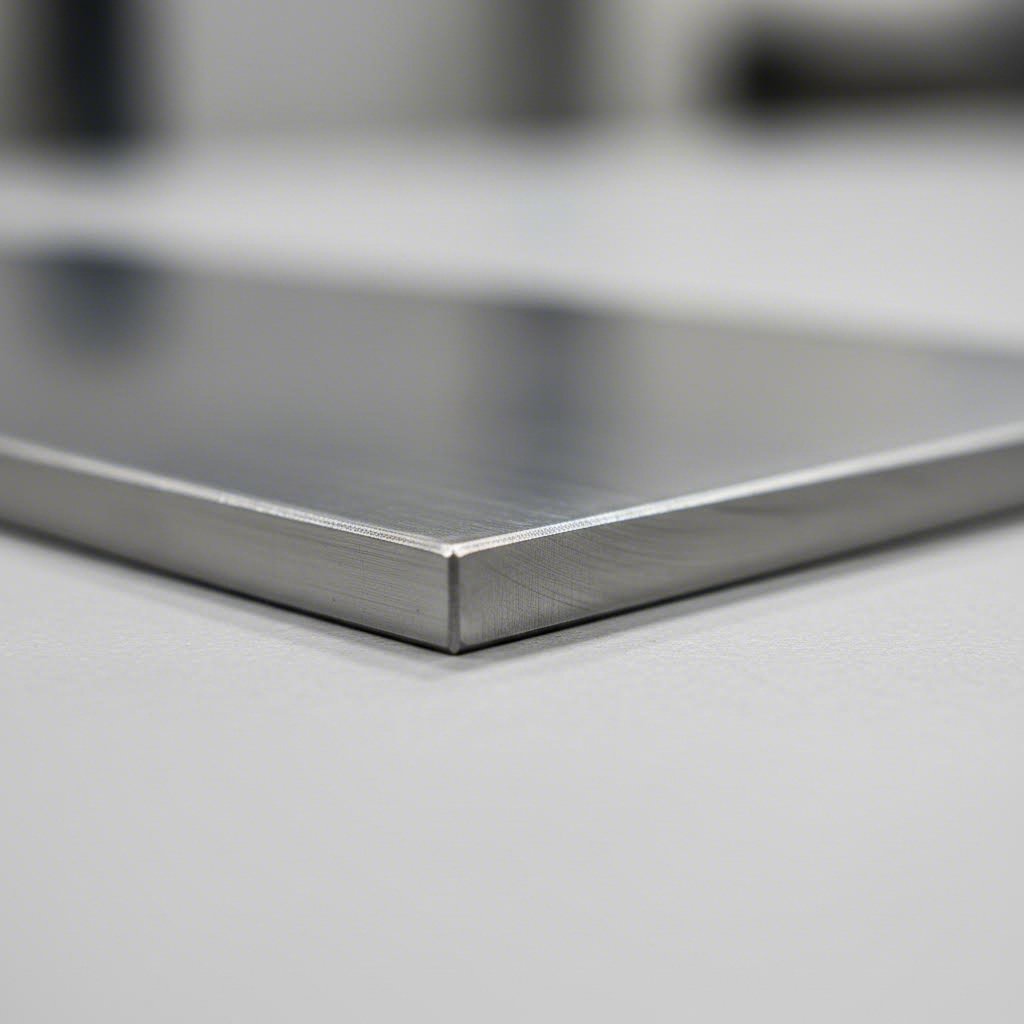
Inaasahang Kalidad ng GILID at Tapusin ng Ibabaw
Nakapag-prepare na ang iyong mga file sa disenyo, nasa mesa na ang iyong bakal para i-cut—ngunit ano nga ba ang hitsura ng iyong mga natapos na bahagi? Madalas na walang kasagot ang tanong na ito hanggang sa dumating ang mga bahagi, na nag-iiwan sa mga tagagawa ng sorpresa dahil hindi tugma ang mga gilid sa kanilang inaasahan.
Narito ang katotohanan: iba-iba ang gilid ng laser-cut na bakal batay sa mga parameter ng pagputol, uri ng materyales, at kapal. Ang pag-unawa kung ano ang dapat asahan—at kung ano ang nakakaapekto sa resulta—ay makatutulong upang mas ma-specify mo ang realistiko mong mga pangangailangan at mas maplano ang anumang karagdagang operasyon na kailangan ng iyong proyekto.
Tunay na Hitsura ng Iyong Mga Gilingit
Kapag gumamit ka ng laser sa pagputol ng sheet metal, ang natapos na gilid ay nagkukuwento kung paano nakipag-ugnayan ang proseso ng pagputol sa iyong partikular na materyales. Ang ilang malinaw na katangian ang nagtatakda kung ano ang iyong makikita at mahahawakan:
Paggawa ng dros: Ang matigas na metal na natitira na nakakabit sa gilid ng putot? Iyon ay dross—nagmumula sa tinunaw na materyales na hindi ganap na nailabas ng tagapagtaguyod na gas. Sa maayos na sistema, kaunti lamang ang dross at madaling alisin. Ngunit habang pinipilit ang limitasyon ng kapal o gumagamit ng di-optimal na parameter, lalong tumitindi ang dross at maaaring mangailangan ng pagpapakinis o deburring.
Mga layer ng oksido: Kapag pinuputol ang carbon steel gamit ang oxygen bilang tagapagtaguyod na gas, isang eksotermikong reaksyon ang nagbubunga ng madilim na layer ng oksido sa gilid ng putot. Ang oxidized Surface ito ay ganap na kapaki-pakinabang para sa maraming istrukturang aplikasyon—ngunit nakakaapekto ito sa pandikit ng pintura at kalidad ng pagwelding. Ang mga putot na gumagamit ng nitrogen bilang tagapagtaguyod ay nagbubunga ng malinis, walang oksidong gilid na handa nang patungan ng coating o ipagsama nang walang karagdagang paghahanda.
Mga pag-iikot: Tingnan nang mabuti ang anumang gilid na pinutol ng laser at mapapansin mo ang manipis na patayong linya—mga striation na dulot ng pagpulsar ng proseso ng pagputol. Sa manipis na materyales na may naka-optimize na mga setting, halos hindi ito nakikita. Habang tumitibay ang kapal, lalong lumalabanag ang mga striation, na nagdudulot ng mas magaspang na texture sa ibabaw.
Kerf taper: Mas malaki nang bahagya ang butas ng pagputol sa itaas (kung saan pumasok ang sinag) kaysa sa ilalim. Binabawasan ng de-kalidad na presisyong pagputol gamit ang laser ang pagkakalisa na ito, ngunit mayroon ito sa ilang antas—lalo na sa mas makapal na materyales kung saan higit na kumakalat ang sinag bago lumabas.
Mga Salik na Nakaaapekto sa Kalidad ng GILID
Hindi basta-basta nangyayari ang kalidad ng gilid—ito ay maipaplanong resulta ng mga tiyak na salik na maaari mong kontrolin. Ayon sa mga gabay sa industriya , may ilang salik na nakakaapekto sa proseso ng pagputol na direktang nakakaapekto sa kalidad ng gilid. Ang pag-unawa sa mga ito ay nakatutulong upang makamit ang mas malinis at mas makinis na mga gilid:
- Bilis ng pagputol: Masyadong mabilis ay nagdudulot ng magaspang na gilid na may labis na dross; masyadong mabagal ay nagdudulot ng sobrang init, mas malawak na kerf, at posibleng pagkurba. Ang pinakamainam na punto ay nakadepende sa uri at kapal ng materyal
- Presyon ng Tulong na Gas: Ang mahinang presyon ay hindi epektibong nag-aalis ng natunaw na materyal, kaya nagreresulta sa magaspang na gilid. Ang tamang presyon ay nagpapabuti sa paglamig at pag-alis ng debris para sa mas malinis na mga putol
- Posisyon ng Focus: Dapat eksaktong nakaposisyon ang focal point kaugnay sa kapal ng materyal. Ang maling focus ay nagdudulot ng hindi pare-parehong kalidad ng putol at labis na taper
- Kondisyon ng materyales: Ang ibabaw na kalawang, scale, langis, at mga patong ay nakakaapekto sa pagkakatugma kung paano nakikitungo ang laser sa bakal. Ang malinis at patag na materyal ay nagbubunga ng mas tiyak na resulta
- Kapal ng Materyal: Karaniwang ang mas manipis na materyales ay nagbubunga ng mas malinis na gilid na may kaunting panghuling pagpoproseso lamang. Habang tumataas ang kapal, natural na bumababa ang kalidad ng gilid
- Berkado ng Tubig: Ang nilalaman ng carbon, mga elemento ng haluang metal, at tapusang ayos ng ibabaw ay nakakaapekto sa thermal behavior habang pinuputol—may mga grado na talagang mas malinis ang putol kaysa sa iba
Heat-Affected Zones at Paano Miniminimize ang mga Ito
Ang bawat proseso ng thermal cutting ay naglilikha ng heat-affected zone (HAZ)—ang lugar na malapit sa pinutol kung saan nagbago ang mga katangian ng materyal dahil sa init.
Ang magandang balita? Ang laser cutting ay nagbubunga ng relatibong maliit na heat-affected zones kumpara sa plasma o oxy-fuel cutting. Ang nakapokus na sinag at mabilis na bilis ng pagputol ay naglilimita sa init na pumapasok sa makitid na paligid ng gilid ng putol. Gayunpaman, may epekto pa rin ang HAZ:
- Mga pagbabago sa mikro-istruktura: Ang bakal na direktang nasa tabi ng putol ay dumadaan sa mabilis na pag-init at paglamig, na maaring lumikha ng mas matigas at mas madaling pumutok na mga lugar
- Pagbabago ng kulay: Dahil sa init, nagkakaroon ng mga nakikitang pagbabago sa kulay (mga asul, kayumanggi, kulay dayami) sa stainless steel at ilang uri ng carbon steel malapit sa gilid ng putol
- Residual Stress: Ang thermal cycling ay maaring magdulot ng mga tensyon na nakakaapekto sa dimensional stability, lalo na sa manipis o detalyadong bahagi
Pagbabawas sa epekto ng HAZ:
- Gumamit ng mas mataas na bilis ng pagputol sa loob ng limitasyon ng kalidad—mas kaunting oras sa temperatura ang nangangahulugang mas maliit na HAZ
- I-optimize ang lakas ng laser para sa iyong materyales imbes na gamitin ang maximum na output nang default
- Gamitin ang nitrogen bilang assist gas kapag mas mahalaga ang pag-iingat sa mga katangian ng materyales kaysa bilis ng pagputol
- Magbigay ng sapat na espasyo sa pagitan ng mga pagputol upang maiwasan ang pag-iral ng labis na init sa magkakadikit na mga bahagi
- Isaisip ang paggamit ng pulsed cutting mode para sa mga aplikasyon na sensitibo sa init
Kailan Kinakailangan ang Pangalawang Pagwawakas
Hindi lahat ng bahagi na pinutol ng laser ay handa nang gamitin pagkalabas sa makina. Ang pag-alam kung kailan kinakailangan ang karagdagang operasyon—at kailan maaari itong iwasan—ay nakakatipid ng oras at pera:
Mga gilid na karaniwang handa nang gamitin agad:
- Manipis na carbon steel (mas mababa sa 6mm) na pinutol gamit ang nitrogen assist—malinis, walang oxide na gilid na angkop para sa welding o powder coating
- Stainless steel na pinutol gamit ang nitrogen—nagpapanatili ng kakayahang lumaban sa korosyon, minimal ang pagbabago ng kulay
- Mga bahagi kung saan hindi nakikita ang hitsura ng gilid sa huling assembly
- Mga bahaging istruktural kung saan hindi nakakaapekto ang mga oxide layer sa pagganap
Mga gilid na nangangailangan ng pangalawang operasyon:
- Mga putol sa carbon steel na may tulong ng oxygen na para ipinta—maaaring makaapekto ang oxide layer sa pandikit
- Mga putol sa makapal na plato na may nakikitang mga striation na hindi sumusunod sa estetikong pamantayan
- Mga bahagi na may dross na nakakagambala sa pag-assembly o pagkakasya
- Mga mahahalagang ibabaw na nangangailangan ng tiyak na antas ng kabagalan para sa sealing o bearing application
- Mga gilid na makikita sa natapos na produkto kung saan mahalaga ang itsura
Kailan Nagbubunga ang Laser Cutting ng Hindi Kasiya-siyang Resulta
Ang transparensya ay nagtatayo ng tiwala—kaya narito ang matapat na gabay tungkol sa mga limitasyon ng laser cutting. Isaalang-alang ang alternatibong pamamaraan kapag:
- Ang kapal ng materyal ay lumalampas sa makatotohanang limitasyon: Malapit sa pinakamataas na kapal, ang kalidad ng gilid ay lubhang bumababa. Maaaring magbigay ng mas mahusay na resulta ang plasma o waterjet sa napakakapal na plato
- Pangangailangan ang zero HAZ: Aerospace, mga pinalambot na materyales, o aplikasyon kung saan hindi katanggap-tanggap ang anumang pagbabago sa metalurhiya—ang waterjet cutting ay ganap na nag-aalis ng thermal effects
- Mga highly reflective alloys: Ang ilang copper alloys at specialty materials ay patuloy na hamon kahit sa modernong fiber lasers
- Mahalaga ang gastos bawat bahagi sa simpleng hugis: Maaaring mas ekonomikal ang shearing o punching para sa pangunahing geometriya sa mataas na dami
Ang kalidad ng gilid sa laser cutting ay isang halo ng agham at masusing pag-aayos. Sa pamamagitan ng pag-unawa sa iyong materyales, pag-optimize ng mga setting ng makina, at pagpapanatili ng kagamitan, maaari kang makamit ang mas malinis at mas makinis na mga gilid sa bawat putol.
Ang pag-unawa kung ano ang hitsura ng iyong mga gilid na pinutol—at kung ano ang nakakaapekto sa resulta—ay nagpo-position sa iyo upang magtakda ng makatotohanang inaasahan at magsagawa ng nararapat na pagpaplano. Ngunit ang kalidad ng gilid ay isa lamang salik sa kabuuang gastos ng iyong proyekto. Ano nga ba talaga ang nagsusukat sa presyo para sa mga serbisyo ng steel laser cutting, at paano mo mahuhulaan ang mga gastos bago ka magpasimuno?
Mga Salik sa Gastos at Pagpepresyo para sa Steel Laser Cutting
Narito ang isang tanong na nagpapalungkot sa halos lahat ng gustong sumubok ng metal laser cutting: "Magkano nga ba talaga ito?" Karamihan sa mga provider ay umiiwas sa tiyak na usapan tungkol sa presyo, kaya napipilitan kang magsumite ng quote nang hindi nalalaman kung ano ang batayan ng mga numero na iyong matatanggap.
Ang totoo? Ang singil sa laser cutting ay hindi arbitraryo—ito ay sumusunod sa isang nakikitang pormula na batay sa mga sukatan na maaari mong impluwensyahan. Ang pag-unawa sa pormulang ito ay gagawing aktibo kang mamimili, imbes na pasibong tumatanggap ng quote, at makakapag-optimize ka na ng disenyo para sa murang produksyon bago ipasa ang iyong mga file.
Atin nang alamin ang eksaktong mga salik na nagdedetermina sa gastos ng iyong proyekto— at kung paano gamitin nang estratehiko ang kaalaman na ito.
Pag-unawa sa mga Salik sa Pagpepresyo ng Laser Cutting sa Bakal
Halos lahat ng provider ng serbisyo ng laser cutting—mula sa mga online platform hanggang sa mga lokal na tindahan—ay gumagamit ng magkatulad na batayang paraan sa pagkalkula ng presyo. Ayon kay analisis ng pagpepresyo sa industriya , ganito ang pagbubukod ng pormula:
Panghuling Presyo = (Mga Gastos sa Materyales + Mga Nagbabagong Gastos + Mga Ayos na Gastos) × (1 + Profit Margin)
Tila simple lang. Ngunit narito ang nagtutrip sa karamihan ng mamimili: ang pinakamahalagang salik na nakakaapekto sa iyong gastos ay hindi ang lawak ng materyales—kundi ang oras ng makina na kinakailangan upang i-cut ang iyong partikular na disenyo. Maaaring magkaiba nang malaki ang presyo ng dalawang bahagi mula sa parehong sheet ng bakal batay lamang sa kahirapan ng disenyo.
Ang Anim na Variable na Nagdedetermina sa Iyong Quote:
- Kapal ng Materyal: Ito ang pangunahing driver ng gastos. Ang mga pag-aaral sa pagmamanupaktura ay nagpapatunay na kapag dinoble ang kapal ng materyales, mas madalas pang dumoble ang oras at gastos sa pagputol dahil kailangang bumagal nang malaki ang laser para makamit ang malinis na pagbabad. Ang mas makapal na materyales ay nangangailangan din ng higit na konsumo ng enerhiya at nagdudulot ng mas mabilis na pagsusuot ng kagamitan
- Berkado ng Tubig: Ang iba't ibang metal ay may magkakaibang basehang gastos at antas ng hirap sa pagputol. Karaniwang mas mahal ang stainless steel kaysa mild steel—parehong sa hilaw na materyales at oras ng proseso. Ayon sa mga paghahambing ng presyo, nasa $0.15 hanggang $1.00 bawat pulgada ang gastos sa pagputol ng stainless steel, samantalang $0.10 hanggang $0.60 bawat pulgada para sa mild steel
- Kahirapan ng disenyo: Ang mga makulay na disenyo na may manipis na kurba, matutulis na sulok, at maraming punto ng pagbabad ay nagpapabagal muli at muli sa makina. Mas mahal ang isang disenyo na may 100 maliit na butas kaysa sa isang malaking butas dahil ang bawat pagbabad ay nagdaragdag ng kabuuang oras
- Dami: Ang mga nakapirming gastos sa pag-setup ay nahahati sa lahat ng bahagi sa isang order. Ang mas mataas na dami ay nagpapababa nang malaki sa presyo bawat bahagi—maaaring umabot hanggang 70% ang diskwento para sa malalaking order kumpara sa presyo ng solong piraso
- Mga pangangailangan sa kalidad ng gilid: Ang pagtukoy ng tolerances na mas masikip kaysa sa kinakailangan ay nagpapataas ng gastos. Ang mga serbisyo ng precision laser cutting ay naniningil ng mas mataas na presyo para sa trabahong nangangailangan ng masikip na tolerance dahil kailangang tumakbo ang mga makina nang mas mabagal at mas kontrolado
- Oras ng Pagpapadala: Ang mga rush order ay karaniwang may dagdag na singil na 20-50%—o mas mataas kung kinakailangan ang overtime. Ang mga standard na lead time ang nag-aalok ng pinakamahusay na halaga
Paano Tunay na Nakaaapekto ang Machine Time sa Iyong Kita
Ang machine time ang pangunahing serbisyo na binabayaran mo—at ito ay kinakalkula batay sa ilang aspeto ng iyong disenyo na kontrolado mo:
- Distansya ng pagputol: Ang kabuuang linear na landas na tinatahak ng laser. Ang mas mahahabang landas ay nangangahulugan ng higit na oras at mas mataas na gastos
- Bilang ng pagbabad: Bawat oras na nag-uumpisa ang laser sa bagong pagputol, dapat muna nitong tusukin ang materyal. Ang mas maraming butas at patong-palong ay nangangahulugan ng mas maraming pagtusok
- Uri ng Operasyon: Ang pagputol sa pamamagitan ng materyal ay ang pinakamabagal at pinakamahal. Ang scoring (bahagyang pagputol) ay mas mabilis. Ang engraving ay madalas na sinusukat bawat square inch imbes na linear inch
Ang karaniwang rate kada oras ng makina ay nasa $60 hanggang $120 depende sa lakas at kakayahan ng laser. Mas mahal ioperate ang isang 6kW fiber laser kaysa isang 3kW system—ngunit mas mabilis itong pumutol, na madalas nagbabawas sa pagkakaiba ng presyo sa angkop na materyales.
Paano Tinataya ang Gastos ng Iyong Proyekto
Hindi ka makakakuha ng eksaktong mga numero nang hindi isinusumite ang mga file para sa quote sa pagputol gamit ang laser, ngunit maaari mong mapabuti ang realistiko mong inaasahan sa pamamagitan ng pag-unawa sa mga salik na may kaugnayan sa gastos:
| Salik ng Gastos | Mas Mababang Direksyon sa Gastos | Mas Mataas na Direksyon sa Gastos | Relatibong Epekto |
|---|---|---|---|
| Kapal ng materyal | Manipis na gauge (1-3mm) | Makapal na plato (12mm pataas) | Napakataas—lumalago nang pabilis |
| Baitang ng Bakal | Mild steel, mababang carbon | Stainless steel, specialty alloys | Katamtaman—nakakaapekto sa materyal at proseso |
| Kumplikasyon ng Disenyo | Simpleng hugis, kakaunting butas | Mga kumplikadong disenyo, maraming maliit na butas | Mataas—direktang nagdudulot ng pagtaas sa oras ng makina |
| Dami ng order | Malalaking order (50+ piraso) | Isahang piraso o maliit na batch | Mataas—amortisasyon ng mga gastos sa pag-setup |
| Mga Kinakailangan sa Tolerance | Karaniwan (±0.2mm) | Masikip (±0.05mm) | Katamtaman—nangangailangan ng mas mabagal na proseso |
| Panahon ng paghahanda | Karaniwan (5-10 araw) | Bilis (1-2 araw) | Katamtaman—20-50% karaniwang premium |
| Mga Sekundaryong Operasyon | Panghiwa lamang | Pag-alis ng burr, pagbubukod, pagpopondo | Aditibo—ang bawat operasyon ay nagdaragdag ng gastos |
Konteksto ng Presyo sa Tunay na Mundo:
Bagama't magkakaiba ang mga tiyak na presyo ayon sa provider at lokasyon, mga Benchmark ng Industriya magbigay ng kapaki-pakinabang na mga panandang reperensya:
- Karaniwang nasa $6-$30 ang setup at kalibrasyon bawat trabaho
- Paghahanda ng disenyo para sa mga kumplikadong file: $20-$100+ bawat oras depende sa kumplikado
- Oras ng makina para sa tuwid na pagputol sa 2mm na mild steel: humigit-kumulang $1-$3 bawat linear meter
- Ang mga operasyon pagkatapos ng proseso tulad ng deburring ay nagdaragdag ng $5-$20 bawat metro kuwadrado; ang pagpipinta ay nagdaragdag ng $10-$30 bawat metro kuwadrado
Pagbibigay-kahulugan sa mga Quote at mga Tanong na Dapat Itanong
Kapag natatanggap mo ang isang quote para sa laser cutting, madalas mong nakikita lang ang isang numero nang hindi nauunawaan ang mga bahagi nito. Narito kung paano suriin kung ano talaga ang binabayaran mo:
Mga Tanong na Dapat Itanong sa mga Nagbibigay ng Serbisyo:
- Kasama na ba sa singil ang bayad sa pag-setup o hiwalay ito? Paano ito tumataas batay sa dami?
- Ano ang paghahati-hati sa pagitan ng gastos sa materyales at gastos sa proseso?
- May singil ba sa paghahanda ng file kung kakailanganin ang mga pagkukumpuni?
- Anong mga tolerance ang kasama sa ipinasadyang presyo kumpara sa premium na trabaho na may mataas na presisyon?
- Kasama na ba ang nitrogen o oxygen assist gas, o hiwalay na sinusukat para sa stainless steel?
- Anong mga pangalawang operasyon (deburring, pagtatapos ng gilid) ang kasama kumpara sa mga karagdagang bayarin?
- Paano nagbabago ang presyo sa iba't ibang breakpoint ng dami?
Paghahambing sa mga Online Platform laban sa Lokal na Tindahan:
Ang iyong pagpili ng provider ay nakakaapekto sa parehong presyo at karanasan:
- Mga online na automated platform: Nagbibigay ng agarang quote mula sa mga CAD file—perpekto para sa mabilisang prototyping at pagtataya ng badyet. Gayunpaman, ang mga automated system ay hindi nakakadiskubre ng mga mahal na error sa disenyo, at karaniwang may extra bayarin para sa ekspertong DFM feedback
- Tradisyonal na serbisyo ng tube laser cutting at lokal na mga tagagawa: Nagbibigay ng manu-manong quote na may libreng gabay sa Design for Manufacturability na maaaring makabuluhang bawasan ang mga gastos. Nakikilala nila ang mga error, iminumungkahi ang mas epektibong alternatibo, at mas nakikisama sa mga materyales na ibinigay ng customer. Ang kapalit? Ang pagku-quote ay tumatagal ng ilang oras o araw imbes na ilang segundo
Para sa automotive at mga aplikasyon sa precision manufacturing, ang pakikipagtulungan sa mga manufacturer na nag-aalok ng komprehensibong DFM support ay maaaring i-optimize ang iyong disenyo bago magsimula ang pagputol. Mga provider tulad ng Shaoyi pagsamahin ang mabilis na 12-oras na quote na may kadalubhasaan sa inhinyeriya na tumutulong na matukoy ang mga oportunidad para makatipid sa gastos sa iyong disenyo—nag-uugnay ng paghahanda sa laser cutting sa mas malawak na workflow ng iyong produksyon.
Mga Desisyon sa Disenyo na Nagpapababa sa Iyong Gastos
Mas higit ang kontrol mo sa panghuling presyo kaysa sa iniisip mo. Ang mga estratehiyang ito ay nagbabawas sa gastos nang hindi isinasakripisyo ang tungkulin:
- Gamitin ang pinakamakitid na materyales posible: Ito ang pinakaepektibong paraan upang bawasan ang gastos. Tiyaking ang manipis na gauge ay nakakatugon sa iyong mga pangangailangan sa istruktura
- Pasimplehin ang Geometry: Bawasan ang mga kumplikadong kurba, pagsamahin ang maliit na butas sa mas malaking puwang kung katanggap-tanggap sa paggamit, at i-minimize ang kabuuang distansya ng putol
- Bawasan ang bilang ng pierce: Mas kaunting hiwalay na putol ang nangangahulugan ng mas kaunting oras na kinakailangan sa pag-pierce. Maaari bang ikonekta ang maraming detalye sa patuloy na landas?
- Linisin ang iyong mga file: Alisin ang mga linyang paulit-ulit, nakatagong bagay, at geometry sa konstruksyon. Ang mga awtomatikong sistema ay susubukang i-cut ang lahat—dobleng linya ang dobleng gastos sa tampok na iyon
- Mag-order ng Bulk: Pagsamahin ang mga pangangailangan sa mas malalaking order na may mas mababang dalas upang maparami ang gastos sa pag-setup
- Pumili ng mga materyales na nasa bodega: Ang paggamit ng mga grado ng bakal na kasalukuyang natataya ng iyong tagapagkaloob ay nag-aalis ng mga bayad para sa espesyal na order at binabawasan ang oras ng paghahanda
- Tanggapin ang karaniwang toleransiya: Tukuyin ang mahigpit na toleransiya lamang kung kinakailangan sa pagganap—ang mga serbisyo ng precision laser cutting ay may karagdagang singil para sa napakamahigpit na mga tukoy na sukat
Ang pinakamalaking pagtitipid ay hindi nakukuha sa pamamagitan ng pag-uusap ng quote, kundi sa disenyo ng isang bahagi na optimizado para sa episyenteng pagmamanupaktura.
Ang pag-unawa sa mga dinamikang ito ay magpo-position sa iyo upang gumawa ng maayos na desisyon—pagbabalanse ng badyet laban sa mga kinakailangan sa pagganap. Dahil malinaw na ang mga salik sa pagpepresyo, ang huling hakbang ay ang pagpili ng tamang paraan at kapartner upang maisakatuparan ang iyong proyekto sa steel laser cutting mula sa konsepto hanggang sa tapos na mga bahagi.
Pagpili ng Tamang Paraan sa Steel Laser Cutting
Nasubukan mo na ang teknikal na kaalaman—mga limitasyon sa kapal, mga salik sa kalidad ng gilid, mga driver ng gastos, at mga paghahambing ng teknolohiya. Ngayon ay dumating ang praktikal na tanong: paano mo ililipat ang lahat ng impormasyong ito sa aksyon para sa iyong tiyak na proyekto?
Kung ikaw ay isang tagapagawa na nagpoprototype ng pasadyang bracket o isang inhinyero sa pagmamanupaktura na naghahanap ng mga sangkap para sa produksyon, pareho ang lohika ng proseso ng pagdedesisyon. Iugnay ang iyong mga pangangailangan sa tamang solusyon sa pagputol, maghanda nang maayos, at pumili ng isang kasosyo na tugma ang mga kakayahan sa iyong mga pangangailangan.
Tara, tignan natin kung paano gagawin nang sistematiko ang mga desisyong ito.
Pag-uugnay ng Iyong Proyekto sa Tamang Solusyon sa Pagputol
Bago isumite ang mga file o humiling ng mga quote, gamitin mo muna ang balangkas ng desisyon na ito upang matiyak na napipili mo ang pinakamainam na pamamaraan:
- Suriin ang uri ng bakal at mga kinakailangan sa kapal: Anong klase ng bakal ang iyong puputulin—mild steel, stainless, o specialty alloy? Anong kapal ang kailangan ng iyong aplikasyon? Ihambing ito sa mga table ng kapabilidad ng kapal na napag-usapan na natin. Kung ang iyong 25mm carbon steel plate ay lumilipas sa praktikal na limitasyon ng laser, maaaring mas mainam ang plasma o waterjet. Kung gumagawa ka sa 3mm stainless na nangangailangan ng walang oxide na gilid, ang fiber laser gamit ang nitrogen assist ang sagot.
- Tukuyin ang mga pangangailangan sa kalidad ng gilid: Makikita ba ang mga gilid ng putol sa natapos na produkto? Kakailanganin bang matanggap ang pintura o powder coating nang walang paunang paghahanda? Dapat ba nitong mapanatili ang kakayahang lumaban sa korosyon? Maging tapat tungkol sa tunay na kailangan para sa paggamit kumpara sa kagustuhan lamang sa itsura. Ang pagtakda ng mas mahigpit na pamantayan kaysa sa kailangan ay nagpapataas ng gastos nang walang dagdag na halaga.
- Suriin ang dami at iskedyul: Ang mga solong prototype at produksyon na may libo-libong yunit ay nangangailangan ng iba't ibang pamamaraan. Ang maliit na dami ay pabor sa kalamangan ng laser cutting na walang pangangailangan sa tooling. Ang malalaking volume ay maaaring magpabilis sa paggamit ng stamping o punching para sa simpleng geometriya. Ang mahigpit na iskedyul ay nagtatakda ng limitasyon sa iyong mga opsyon at nagpapataas ng gastos—magplano nang maaga kung posible.
- Maghanda ng angkop na mga file ng disenyo: Ang malinis na DXF/DWG file na may saradong contour, angkop na pinakamaliit na sukat ng detalye, at tamang mga espesipikasyon ay maiiwasan ang pagtanggi sa order at mga kabiguan sa kalidad. Suriin ang aming gabay sa paghahanda ng file bago isumite. Ang oras na ginugol dito ay nakakatipid ng pera at problema sa hinaharap.
- Pumili ng angkop na serbisyo provider: I-match ang kakayahan ng provider sa iyong mga kinakailangan. Ang mga online platform ay nag-aalok ng bilis at kaginhawahan para sa mga simpleng bahagi na pinutol ng laser. Ang lokal na mga tagagawa ay nagbibigay ng payo sa DFM at kakayahang umangkop para sa mga kumplikadong proyekto. Para sa mga CNC laser cutting na serbisyo na sumusuporta sa produksyon, suriin ang kapasidad ng kagamitan, sertipikasyon sa kalidad, at mga komitment sa oras ng paghahatid.
Mula Sa Prototipo Hanggang Produksyon
Isa sa pinakamalalaking kalakasan ng laser cutting? Ang parehong proseso na gumagawa ng iyong unang prototype ay maaaring madaling i-scale para sa produksyon sa mas malaking dami. Nakumpirmado ng pananaliksik sa paggawa na 63% ng mga engineering team ay nabawasan ang oras ng pagpapaunlad ng prototype ng 40-60% matapos magamit ang mga laser system—na nagbibigay-daan sa 5-7 beses na pagbabago ng disenyo bawat linggo kumpara sa 1-2 beses lamang gamit ang tradisyonal na pamamaraan.
Ang kakayahang mabilis na mag-iterate ay nagpapalitaw kung paano mo pinoproseso ang pag-unlad ng produkto. Sa halip na gumawa ng mahahalagang kagamitan batay sa teoretikal na disenyo, maaari mong:
- Gumawa ng mga functional prototype sa loob lamang ng ilang oras matapos tapusin ang CAD files
- Subukan ang maraming bersyon ng disenyo nang mabilis at abot-kaya
- Tukuyin at ayusin ang 86% ng mga problema sa disenyo bago mamuhunan sa produksyon ng kagamitan
- I-scale mula sa isang yunit hanggang sa libo-libo gamit ang eksaktong parehong cutting parameters
Para sa mga DIY Makers at Small-Batch Projects:
Kapag naghahanap ng laser cutting service malapit sa akin o metal laser cutting malapit sa akin, unahin ang mga provider na:
- Tumatanggap ng maliit na order nang walang labis na minimum na dami
- Mag-alok ng agarang online na pagkuwota para sa feedback sa badyet habang nasa disenyo
- Magbigay ng malinaw na gabay tungkol sa mga kinakailangan sa paghahanda ng file
- Mag-imbak ng karaniwang mga uri ng bakal upang maiwasan ang mga pagkaantala sa espesyal na order
- Makipagkomunikasyon nang malinaw tungkol sa toleransya at inaasahang kalidad ng gilid
Para sa Propesyonal na Mga Aplikasyon sa Produksyon:
Ang mga konteksto ng produksyon ay nangangailangan ng iba't ibang mga prayoridad. Ang automotive, aerospace, at industriyal na aplikasyon ay nangangailangan ng mga kasosyo na may:
- Mga sertipikasyon sa kalidad na angkop sa iyong industriya—mahalaga ang IATF 16949 certification para sa automotive chassis, suspension, at mga structural na bahagi
- Kakayahang panghawakan ang iyong mga pangangailangan sa dami nang patuloy
- Mabilis na prototyping na kakayahan na maayos na napapalitan patungo sa masalimuot na produksyon
- Komprehensibong DFM na suporta na nag-optimize sa mga disenyo bago magsimula ang pagputol
- Nakarespondeng komunikasyon—ang mga tagapagbigay tulad ng Shaoyi nag-aalok ng 12-oras na pagbalik sa quote at 5-araw na mabilis na prototyping partikular para sa mga precision metal na bahagi
Kailan Ang Steel Laser Cutting Ay Ang Pinakamainam na Pagpipilian
Matapos ang lahat ng napag-usapan natin, narito ang buod: pumili ng laser cutting kapag ang iyong proyekto ay may mga sumusunod:
- Kapal ng bakal na wala pang 20-25mm kung saan mahalaga ang katumpakan
- Kumplikadong geometriya, masalimuot na disenyo, o mahigpit na toleransiya (maaaring maabot ang ±0.1mm)
- Kakailanganin ng malinis na gilid na may pinakakaunting karagdagang pagwawakas
- Damihan mula sa isang prototype hanggang sa katamtamang produksyon
- Kakailanganin ang mabilis na pagbabago ng disenyo at maikling panahon ng pagkumpleto
- Pinagsama-samang sukat ng mga bahagi na nakikinabang sa nesting optimization
Kailan Dapat Isaalang-alang ang mga Alternatibo
Ang laser cutting ay hindi laging ang sagot. Isaalang-alang ang iba pang paraan kapag:
- Labis ang kapal kaysa sa praktikal na limitasyon: Ang napakakapal na structural steel ay karaniwang mas mabilis at mas mahusay na mai-cut gamit ang plasma o oxy-fuel
- Hindi dapat may heat-affected zone: Ang waterjet cutting ay ganap na nag-aalis ng thermal effects para sa mga aplikasyong sensitibo sa init
- Nangingibabaw ang simpleng hugis sa mataas na dami: Maaaring magbigay ang shearing, punching, o stamping ng mas mababang gastos bawat bahagi
- Limitado nang husto ang badyet: Ang plasma cutting ay nagbibigay ng katanggap-tanggap na resulta sa makapal na plato sa mas mababang gastos sa kagamitan at operasyon
Ang pinakamahusay na pamamaraan ng pagputol ay ang nagbibigay ng kinakailangang kalidad sa pinakamababang kabuuang gastos—kabilang ang mga secondary operation, scrap rate, at mga pagsasaalang-alang sa oras.
Ang steel laser cutting ay nakamit ang nangungunang posisyon nito sa modernong metal fabrication dahil sa magandang dahilan. Kapag naunawaan mo ang mga limitasyon ng kapal, napili ang angkop na uri ng bakal, naayos nang tama ang mga file, at nakipagsosyo sa mga kwalipikadong provider, ang teknolohiyang ito ay nagbibigay ng presisyon, bilis, at halaga na mahirap tugunan ng ibang pamamaraan. Nagsisilbing sandata ang kaalaman mula sa gabay na ito upang mapagdesisyunan mo nang may kumpiyansa—maging ikaw pa ay gumugupit ng iyong unang prototype o palalakihin ang produksyon.
Mga Karaniwang Tanong Tungkol sa Steel Laser Cutting
1. Gaano kalapad ang kayang putulin ng fiber laser sa bakal?
Ang kapasidad ng fiber laser sa pagputol ay nakadepende sa lakas ng laser at uri ng bakal. Ang isang 6kW na fiber laser ay kayang magputol hanggang 22mm na carbon steel gamit ang oxygen assist at 12mm na stainless steel gamit ang nitrogen. Ang mga mataas na sistema ng kuryente (15-20kW) ay kayang gumupot ng carbon steel hanggang 50mm, habang ang mga 30kW+ na laser ay kayang magputol hanggang 100mm. Gayunpaman, ang pinakamainam na resulta sa produksyon ay karaniwang nangyayari sa 80% ng maximum na kapasidad ng kapal upang mapanatili ang pare-parehong kalidad ng gilid at bilis ng pagputol.
2. Anu-anong metal ang maaaring i-laser cut?
Ang laser cutting ay epektibo sa malambot na bakal, mababang carbon na bakal, stainless steel (mga grado 304, 316, 430), aluminum, titanium, brass, at tanso. Ang fiber laser ay mahusay sa mga replektibong metal tulad ng aluminum at tanso, samantalang ang CO2 laser ay mas mainam para sa mga di-metal. Ang mga grado ng bakal na may nilalamang carbon na below 0.25% ay nagbubunga ng pinakalinis na pagputol, bagaman ang lubhang napapalamutian o mataas na silicon na bakal ay nangangailangan ng pagbabago sa parameter o paghahanda sa ibabaw.
3. Ano ang pagkakaiba ng fiber laser at CO2 laser sa pagputol ng bakal?
Ang fiber laser ay gumagana sa 1064nm na haba ng daluyong, na maayos na sinisipsip ng bakal, na nagbibigay-daan sa 2-5 beses na mas mabilis na pagputol sa manipis na materyales na may 30-50% kahusayan sa kuryente. Ang CO2 laser ay gumagamit ng 10.6µm haba ng daluyong na may lamang 10-15% kahusayan ngunit madalas na nag-aambag ng mas mahusay na kalidad ng gilid sa bakal na higit sa 25mm kapal. Ang mga fiber system ay nangangailangan ng minimum na pagpapanatili (taunang $200-400) kumpara sa CO2 ($1,000-2,000), na may buhay ng sangkap na 100,000+ oras kumpara sa 10,000-25,000 oras.
4. Magkano ang paggupit ng bakal gamit ang laser?
Ang gastos sa pagputol ng bakal gamit ang laser ay nakadepende sa kapal ng materyales (pangunahing salik), grado ng bakal, kahihinatnan ng pagputol, dami, at oras ng pagkumpleto. Karaniwang nagkakahalaga ang karaniwang bakal ng $0.10-$0.60 bawat pulgada kumpara sa $0.15-$1.00 para sa hindi kinakalawang na bakal. Ang singil kada oras ng makina ay nasa $60-$120. Ang bayad sa pag-setup ay nasa $6-$30 bawat trabaho, samantalang ang malalaking order ay maaaring bawasan ang gastos bawat bahagi ng hanggang 70%. Ang pagsimplipika ng disenyo at paggamit ng mas manipis na materyales ang nag-aalok ng pinakamalaking pagtitipid.
5. Dapat ba akong gumamit ng oxygen o nitrogen bilang tulung-tulong na gas kapag naglalaser ng bakal?
Ang oxygen ay nagpapahintulot ng 30-50% mas makapal na pagputol sa carbon steel sa pamamagitan ng eksotermikong reaksyon at gumagamit ng 10-15x mas kaunting gas, ngunit nagbubuo ito ng oxide layer sa mga gilid. Ang nitrogen naman ay nagproproduksyon ng mga gilid na walang oxide at handa nang i-weld o i-coat, na mahalaga para sa stainless steel upang mapanatili ang kakayahang lumaban sa korosyon. Para sa manipis na bakal na may kapal na wala pang 6mm kung saan kailangan ang mga gilid na handa nang ipinta, ang nitrogen ay nagbibigay-katwiran sa mas mataas na gastos sa gas. Para naman sa makapal na istrukturang carbon steel kung saan hindi gaanong mahalaga ang hitsura, ang oxygen ang nagmamaksima sa kakayahan ng pagputol.